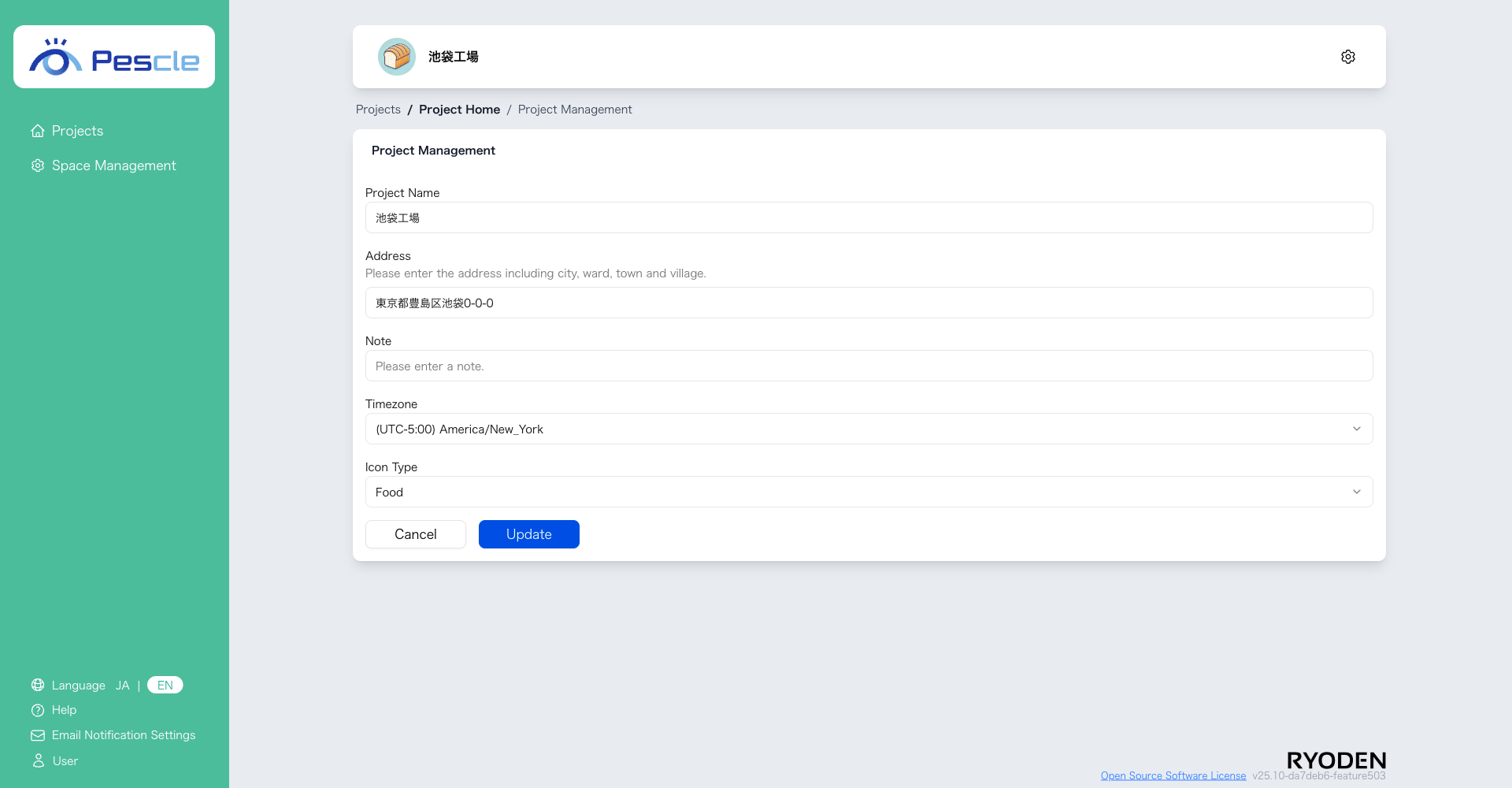
How to Change Project Settings
Caution
This feature is for project administrators.
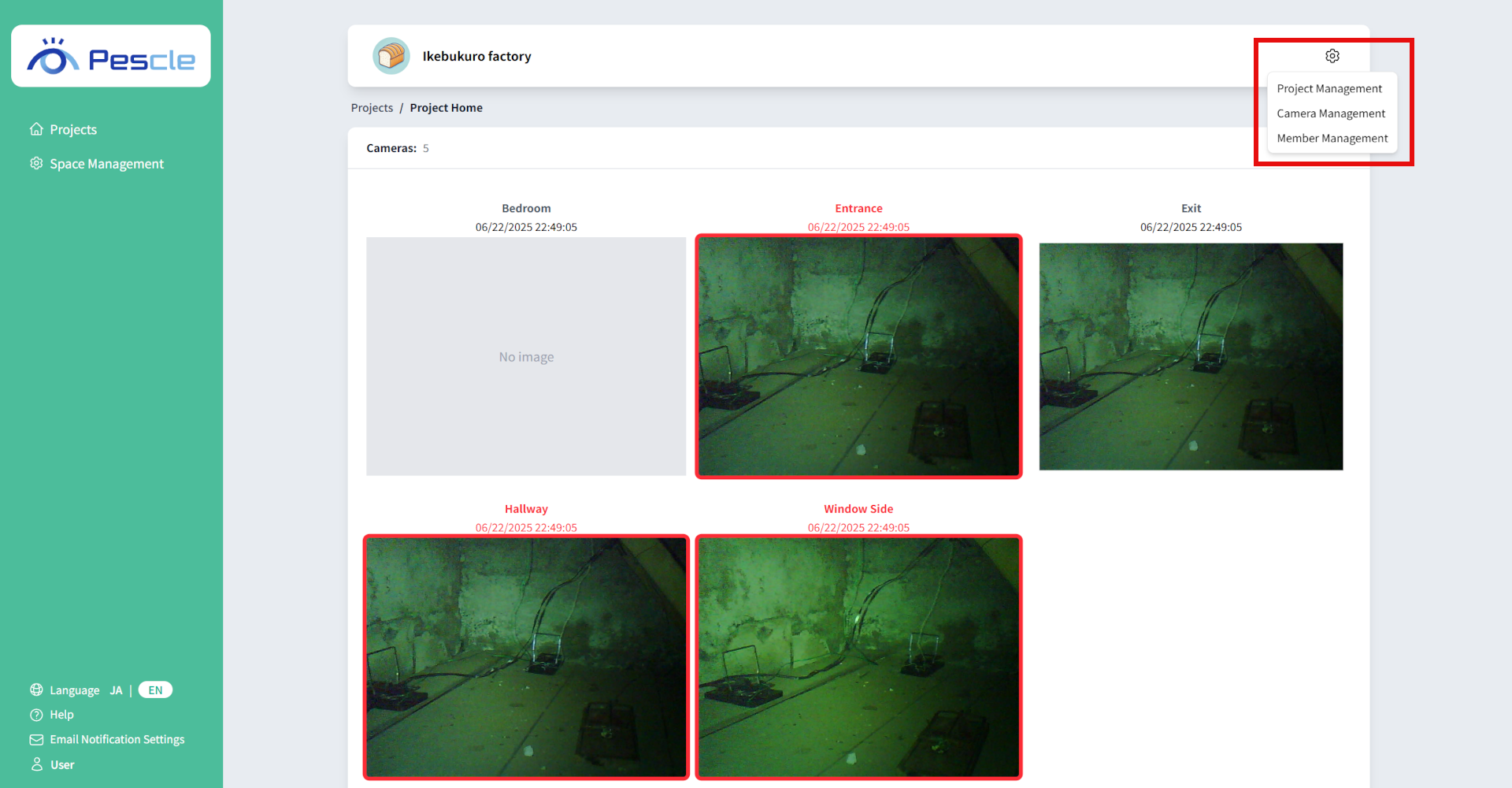
You can access this from the project home screen by clicking the gear icon in the upper right corner.
The Project Settings screen will be displayed. Enter the project name, address, notes, time zone, and icon type. When you have finished entering, click the ‘Update’ button.