How to Stop Email Notifications
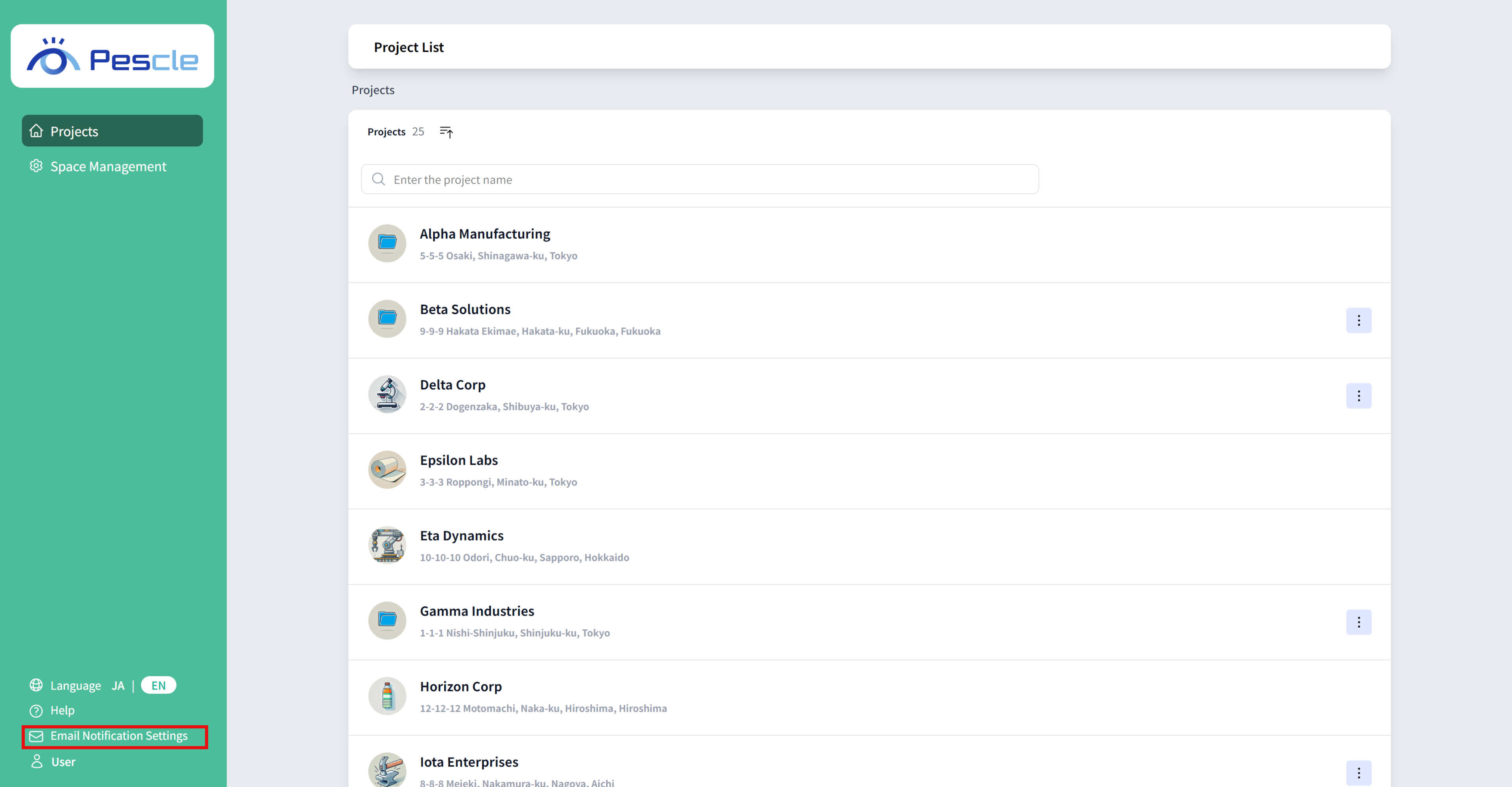
Click on ‘Mail Notification Settings’ at the bottom left.
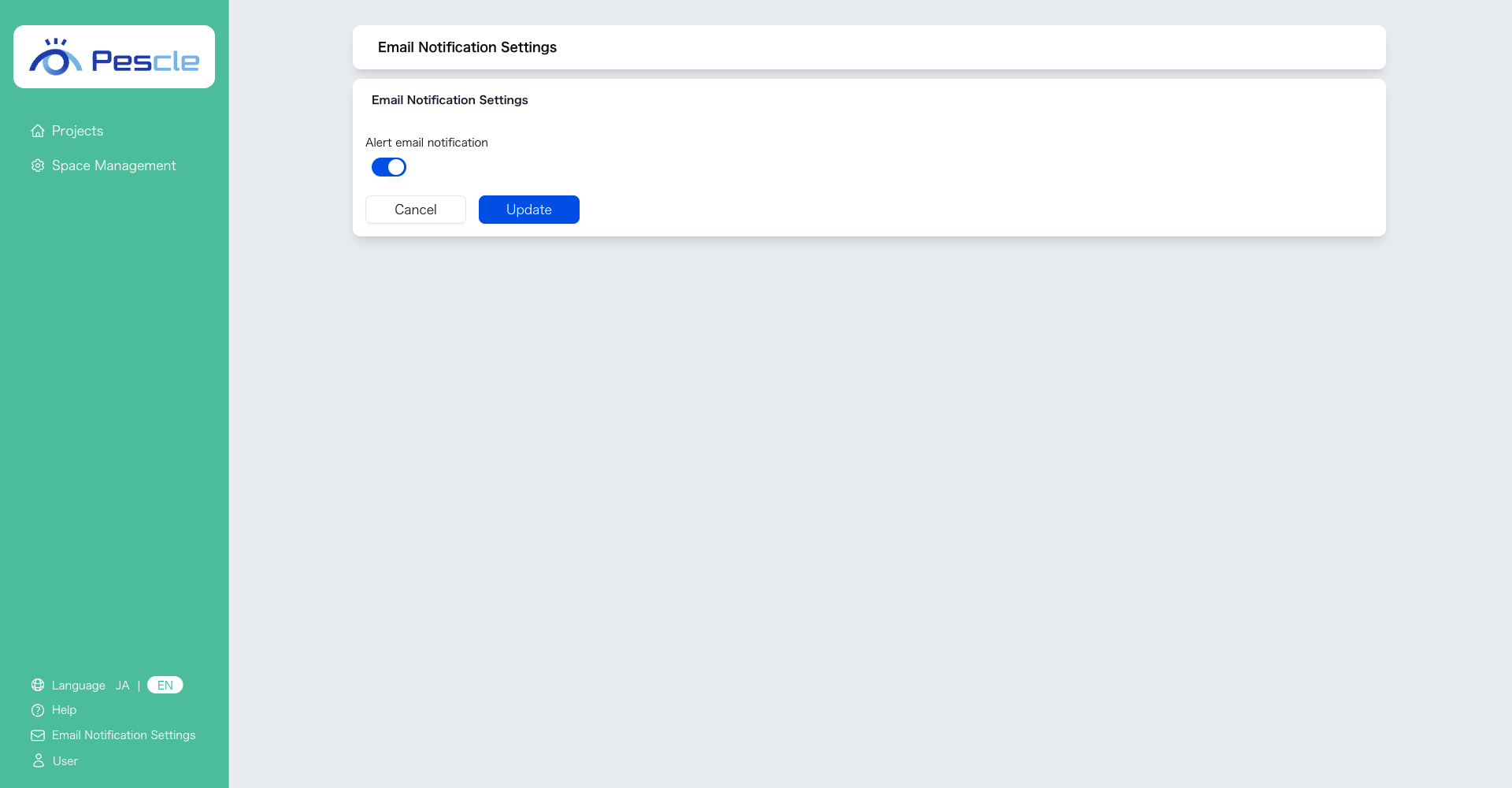
The ‘Mail Notification Settings Screen’ will be displayed.
Change Alert Email Reception Settings
You can configure whether to receive alert emails.
By default, alert email reception is enabled.
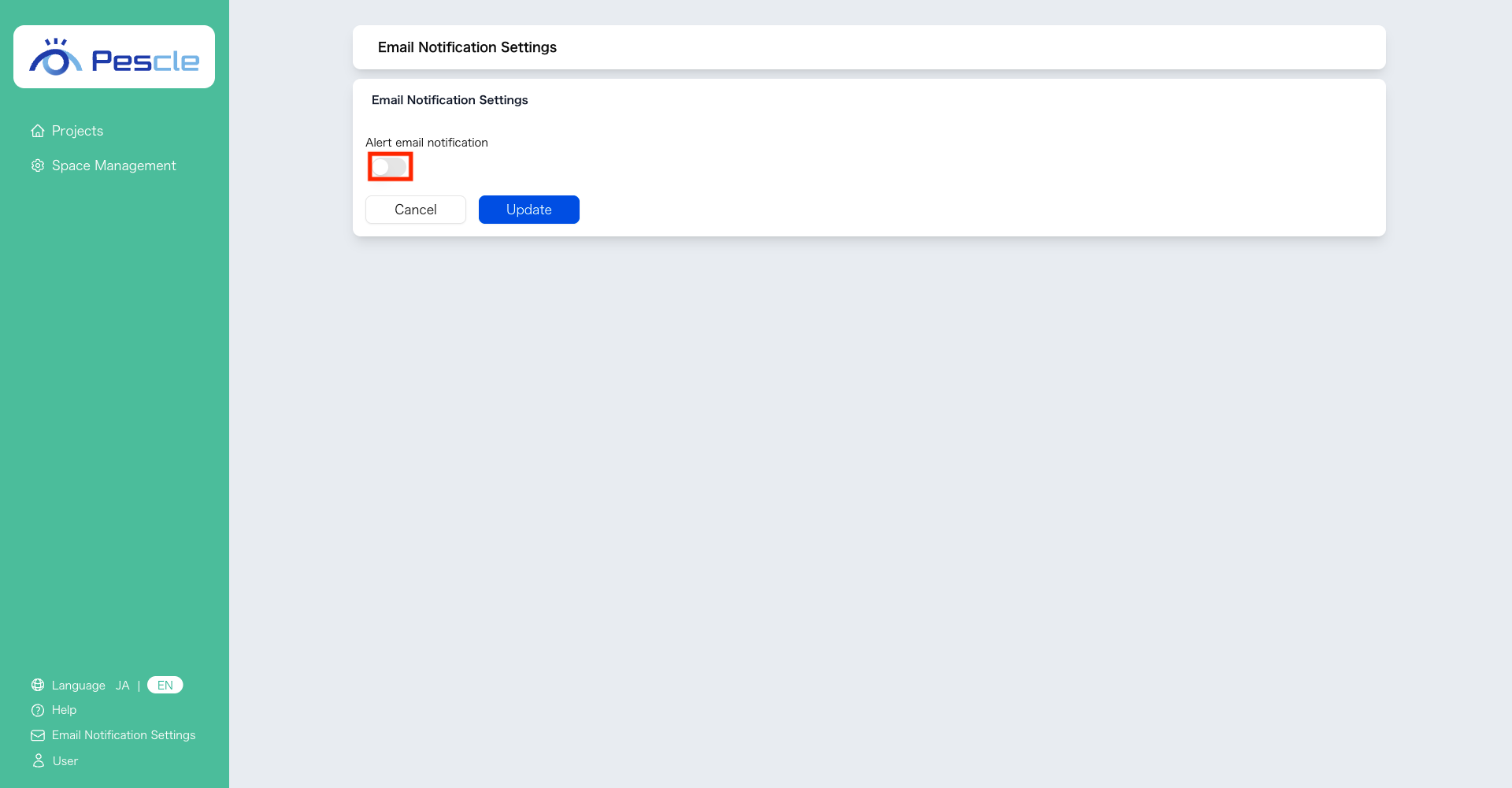
Do Not Receive Alert Emails
To not receive alert emails, turn OFF the toggle switch and click ‘Update’.
Receive Alert Emails
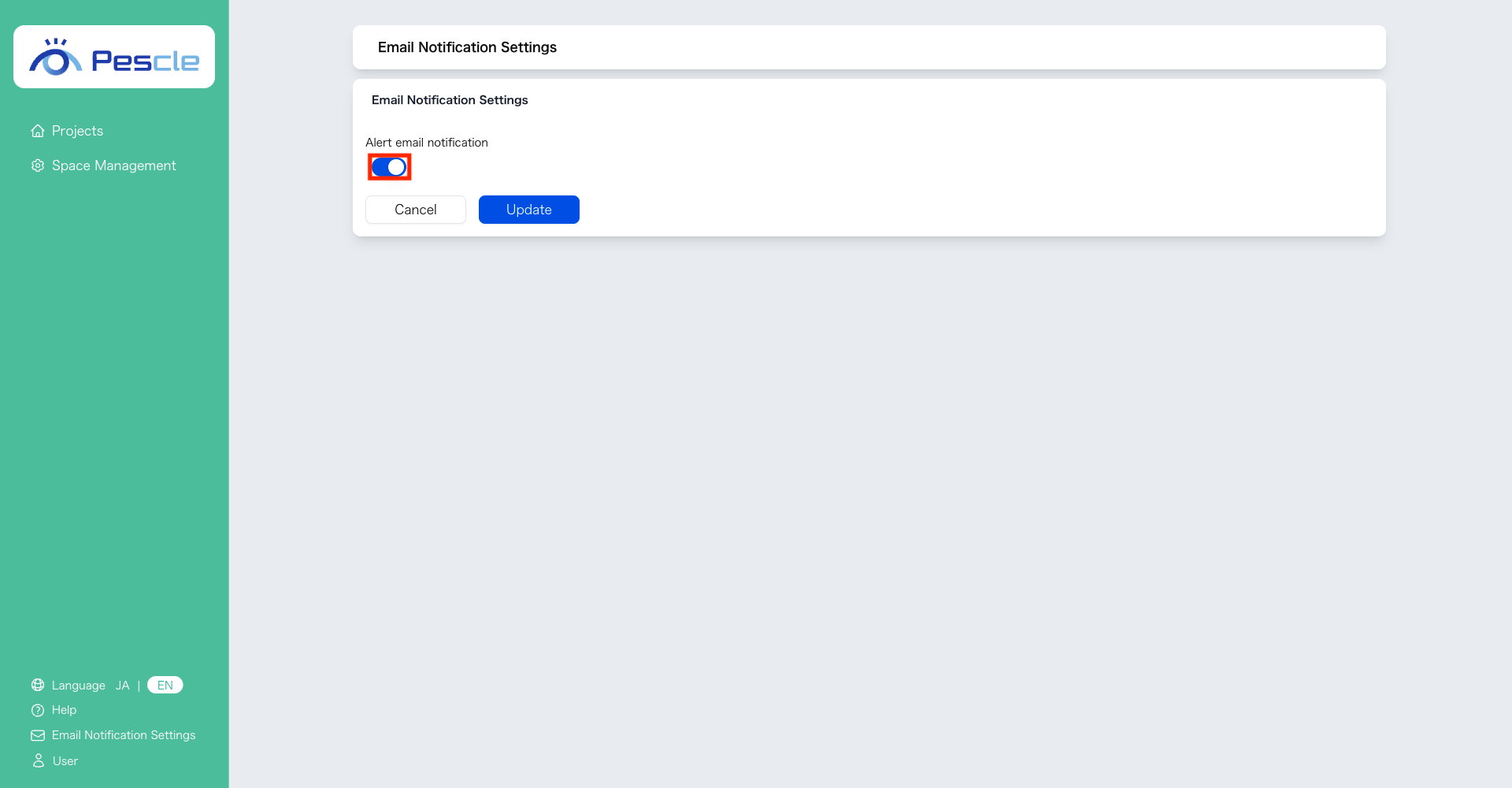
To receive alert emails, turn ON the toggle switch and click ‘Update’.