How to Send Feedback
Click “Send Feedback” at the bottom of the side menu. The feedback form opens in a new tab.
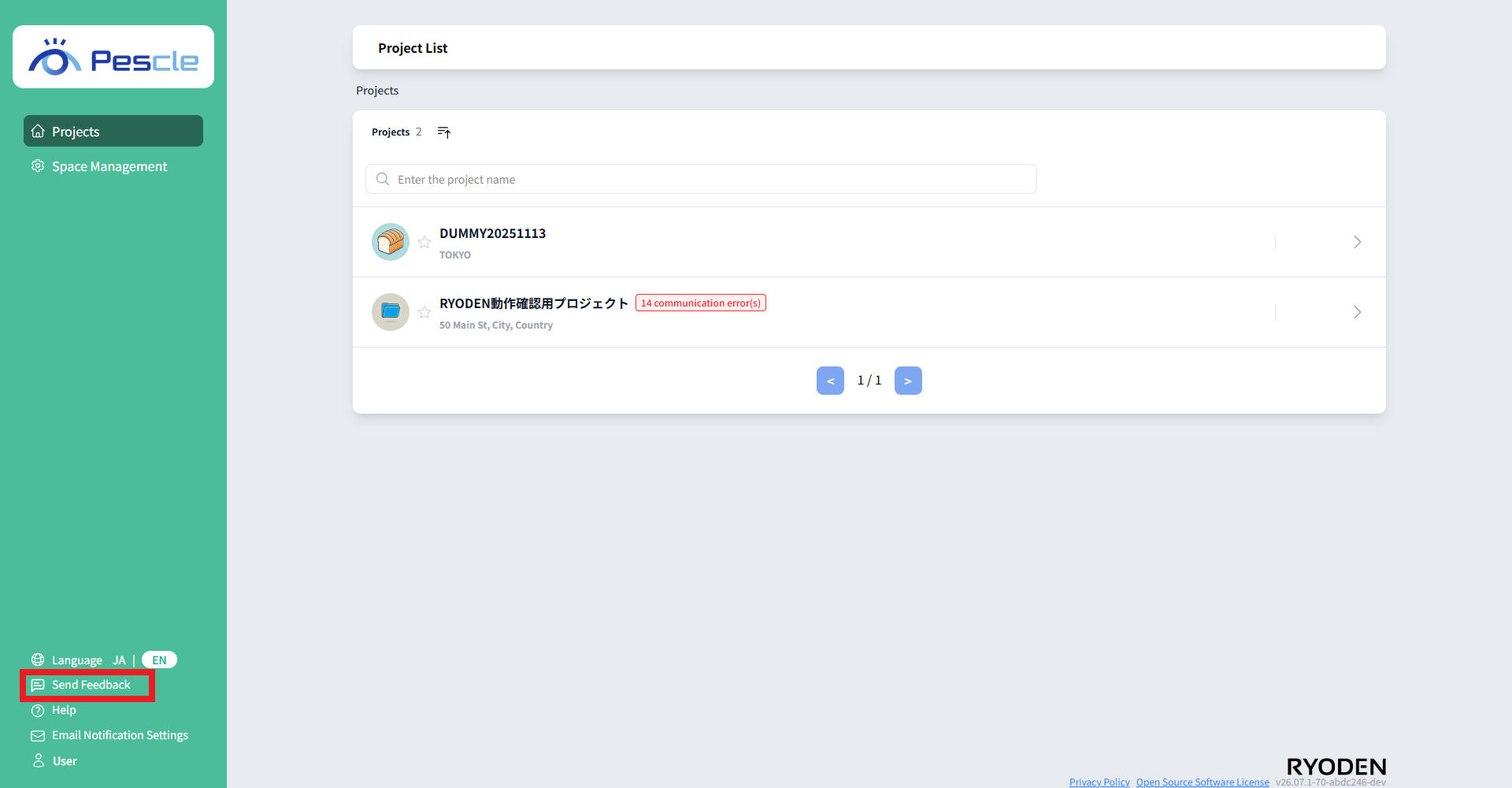
The feedback form opens.
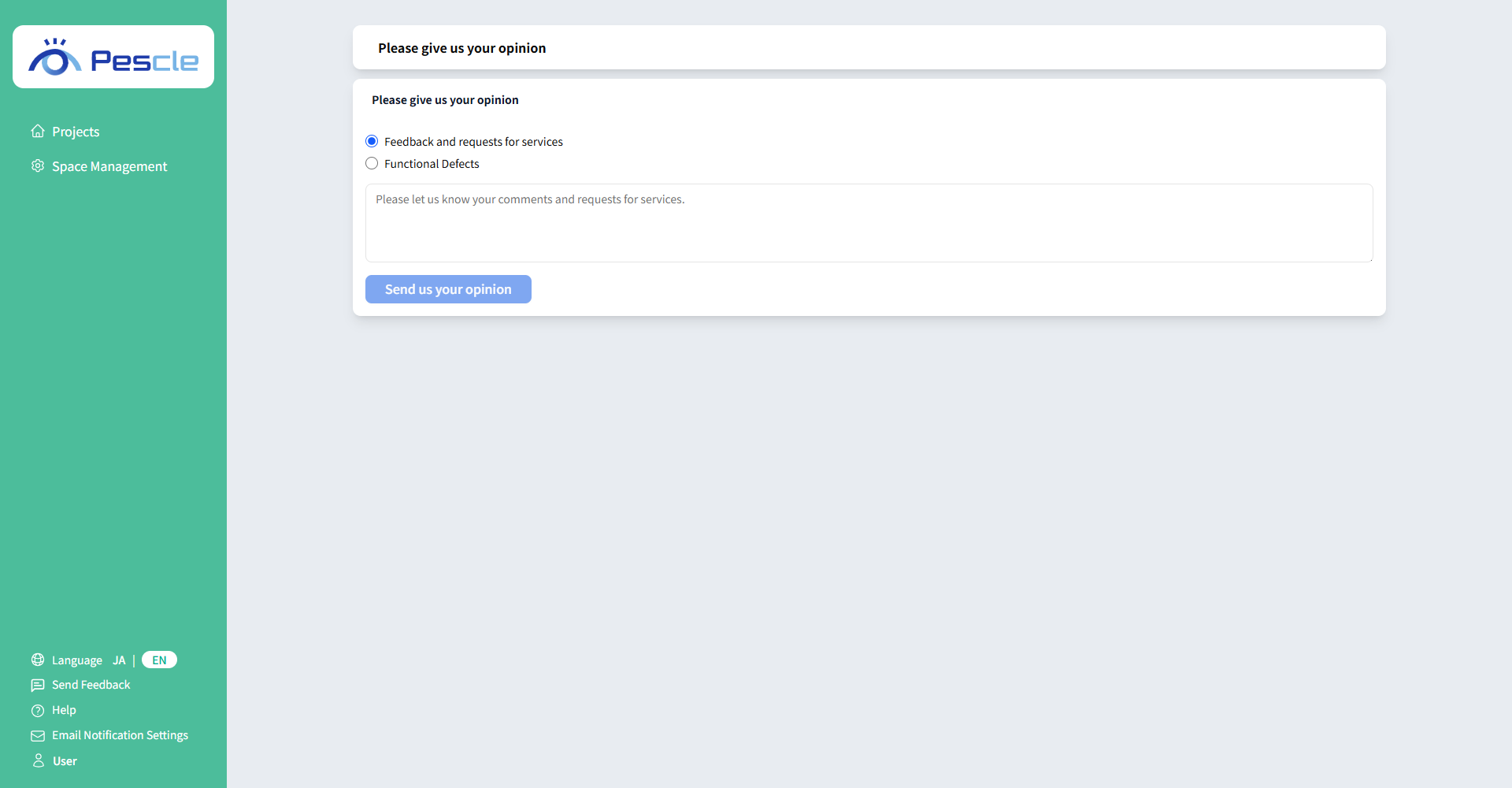
Choose an Inquiry Type
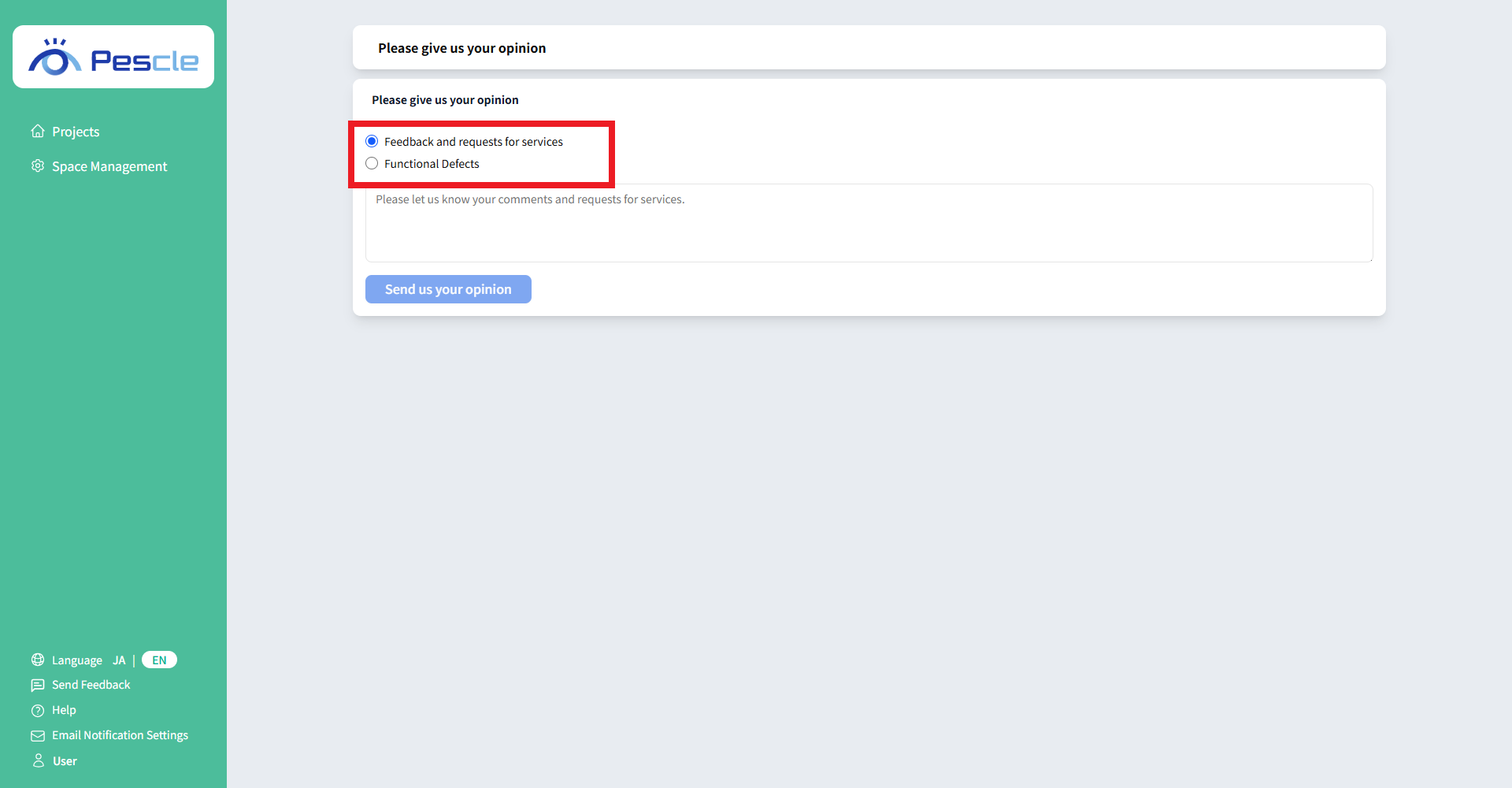
Select the inquiry type that best matches your feedback.
“Feedback and requests for services” — Share general feedback or suggestions for improving the service.
“Functional Defects” — Report a problem with a specific feature.
Tip
“Feedback and requests for services” is selected by default.
Enter a Unit Number
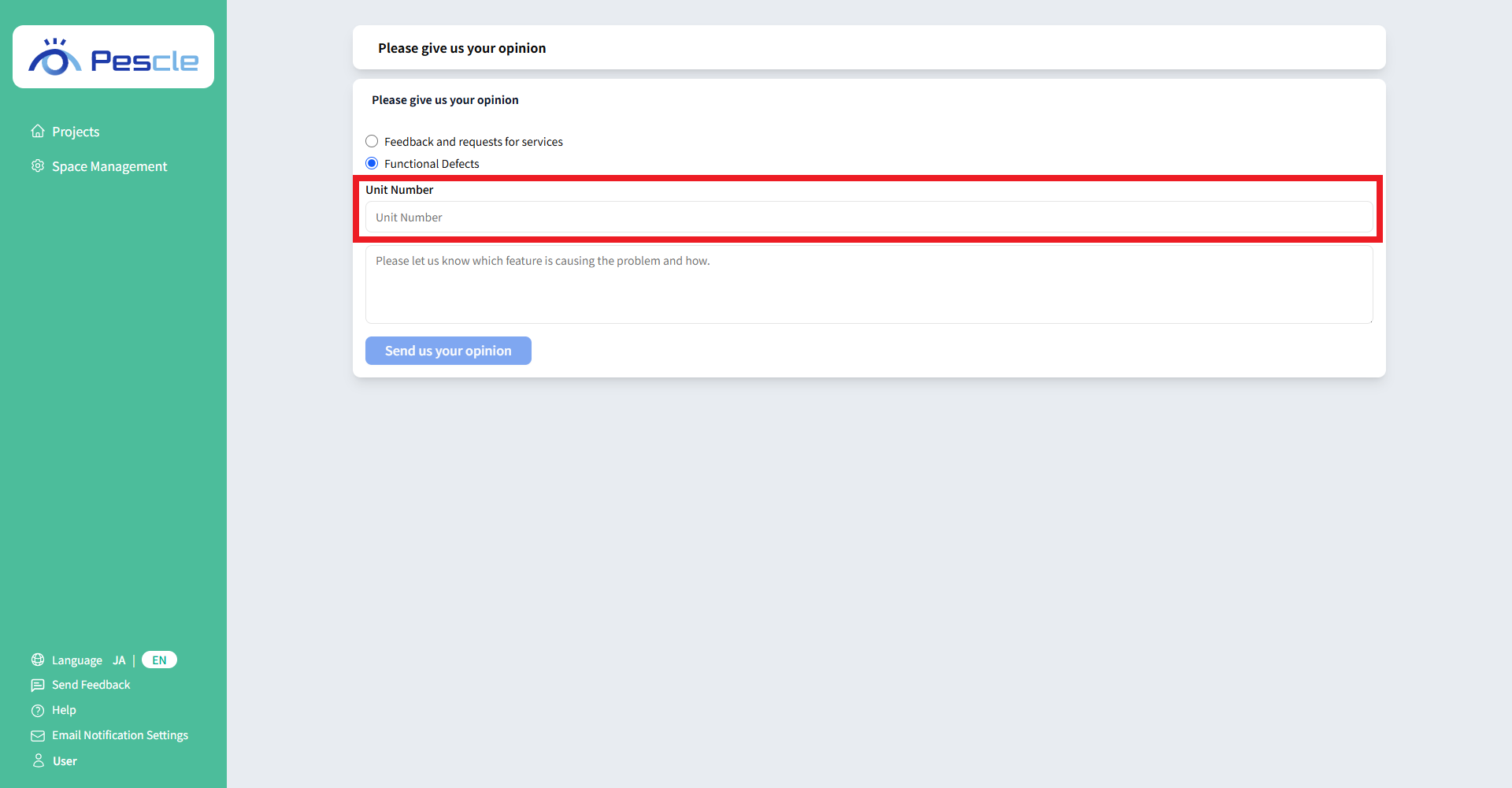
If you select “Functional Defects”, the “Unit Number” field is displayed. If your feedback is about a specific camera unit, enter its unit number.
Tip
The “Unit Number” field is optional. If you do not know the camera’s unit number, leave it blank.
Enter Your Message
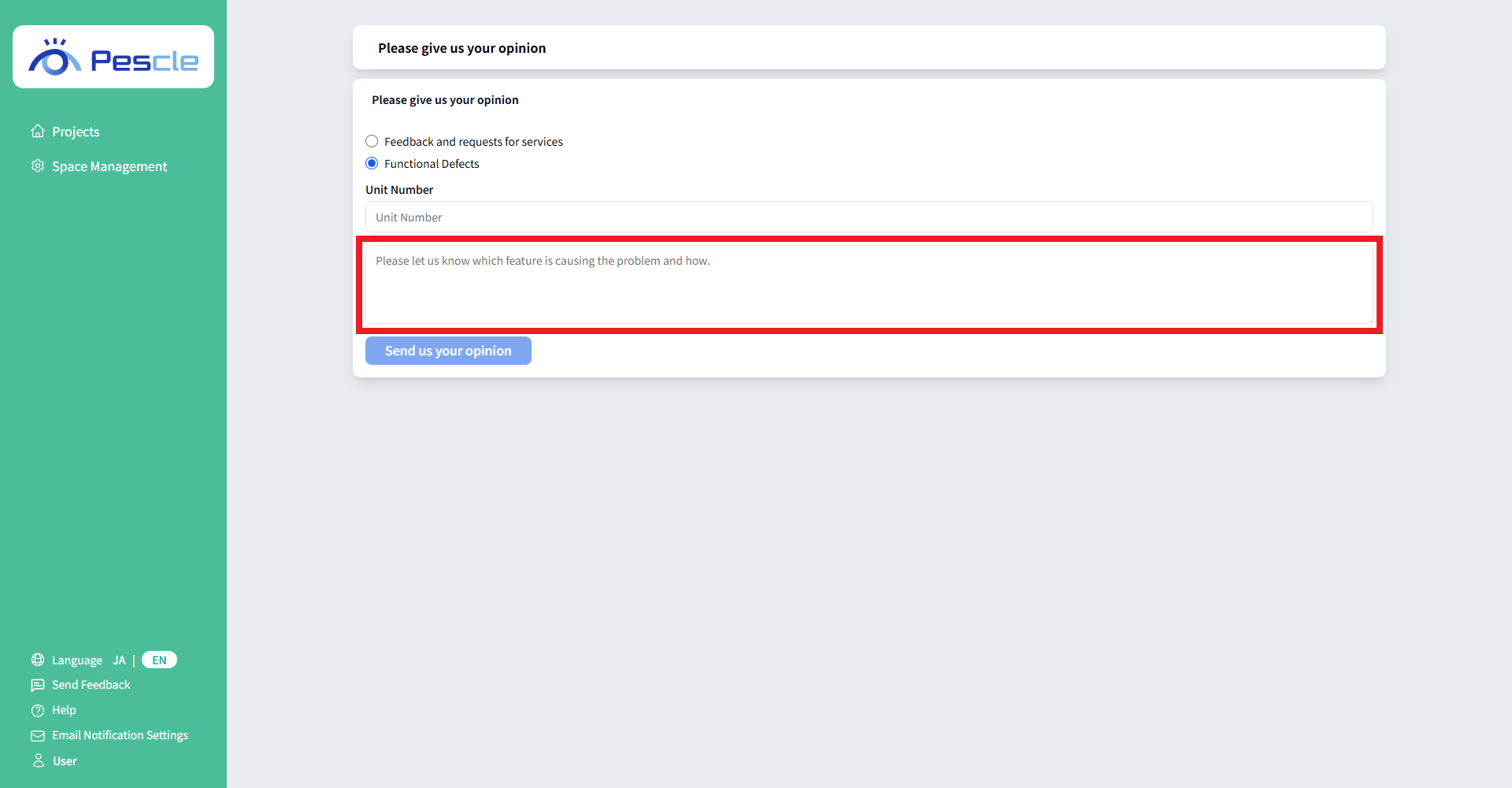
Enter your feedback or describe the issue in the text box. Your message must be between 10 and 300 characters.
Submit Your Feedback
Review your information, then click “Send us your opinion”.
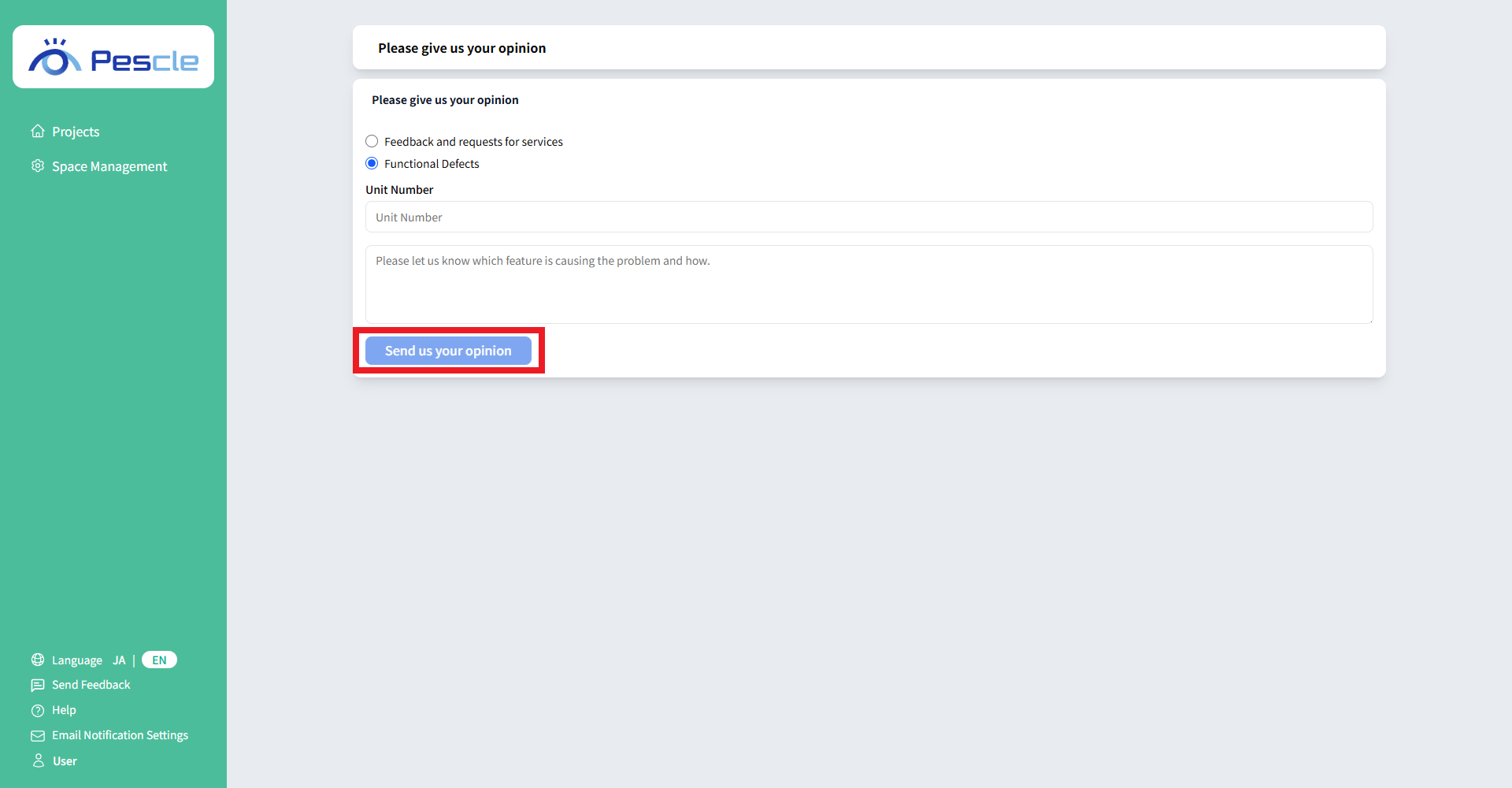
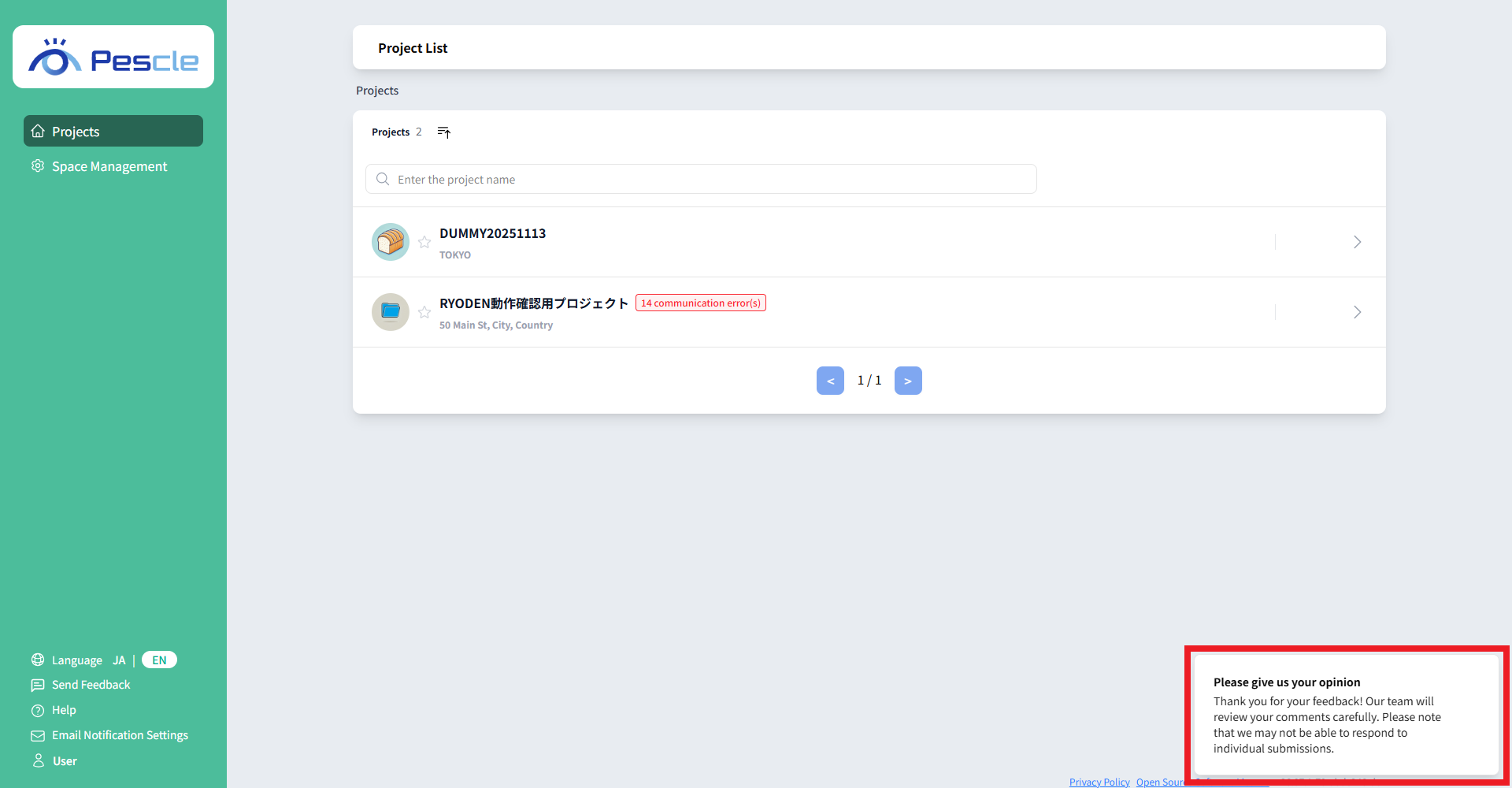
After your feedback is submitted, a thank-you toast notification appears in the bottom-right corner of the screen. You are then automatically redirected to the dashboard.