How to sign in
Hint
Here’s how to sign in.
Click https://lite.pescle.com and sign in.
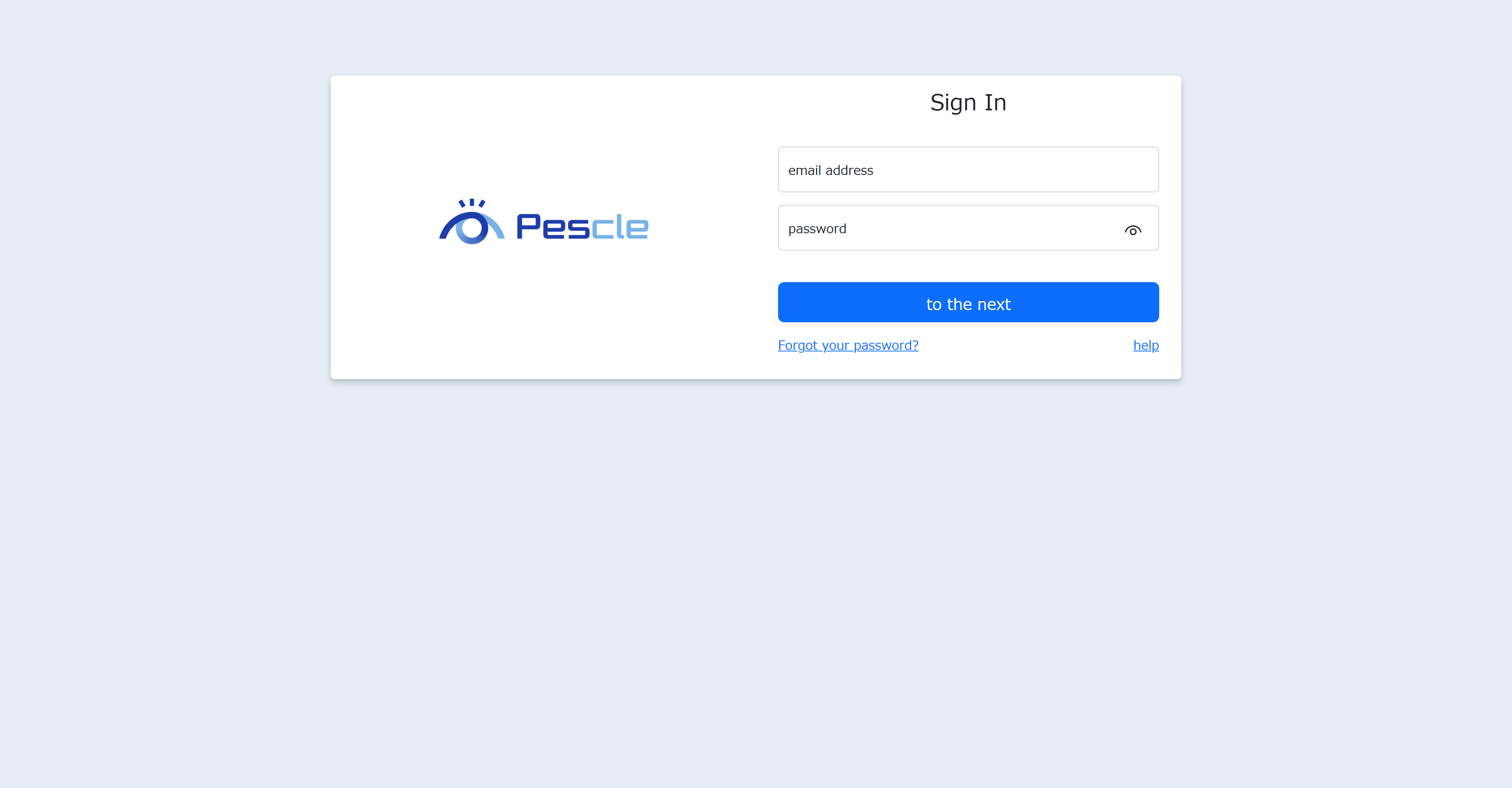
When the sign-in screen appears, enter your email address and password.
If you forget your password
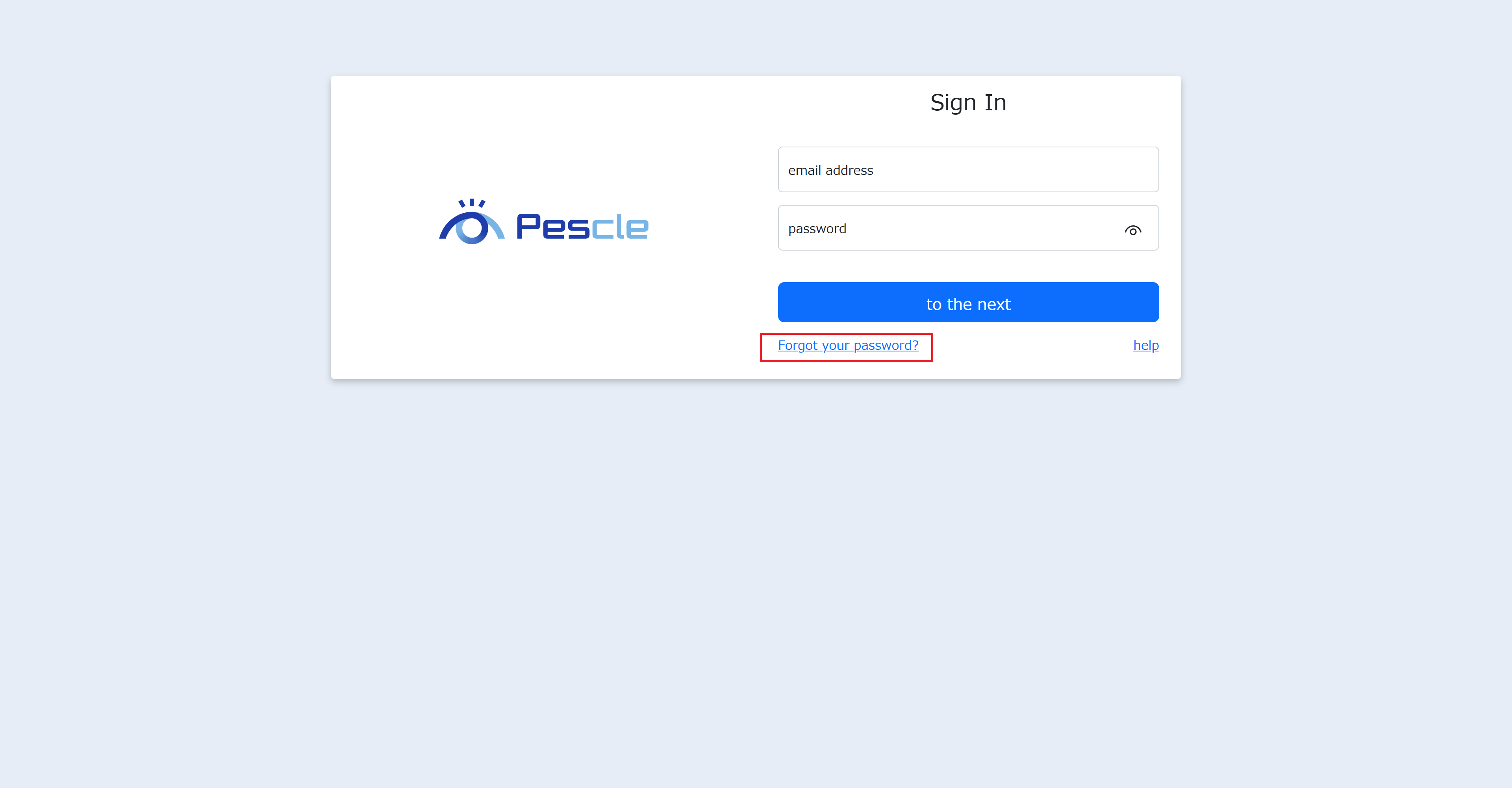
On the sign-in screen, click “Forgot your password? Click here.”
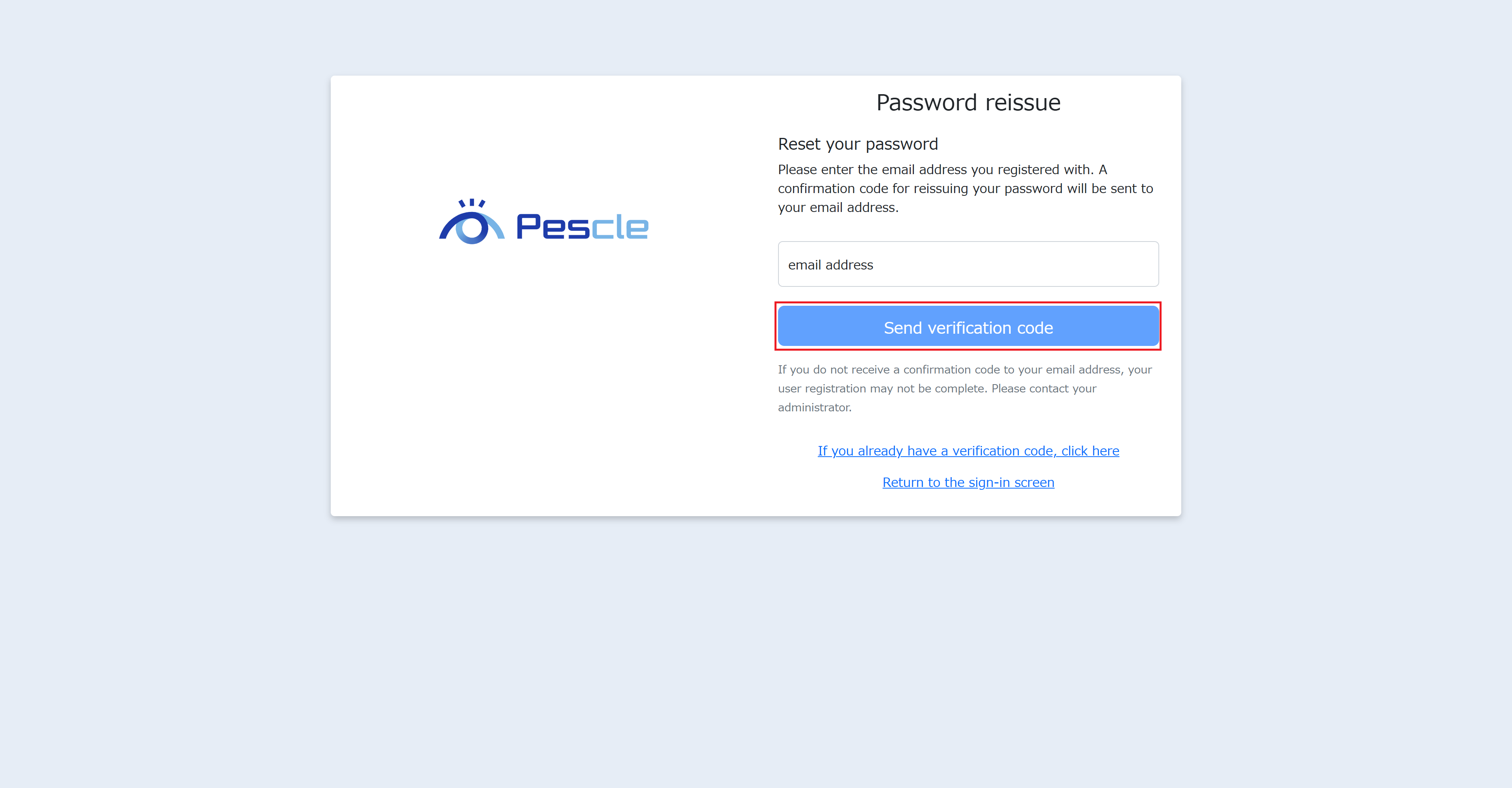
Enter your email address and click the “Send Verification Code” button.
Please wait a moment for the verification code to be emailed to you.
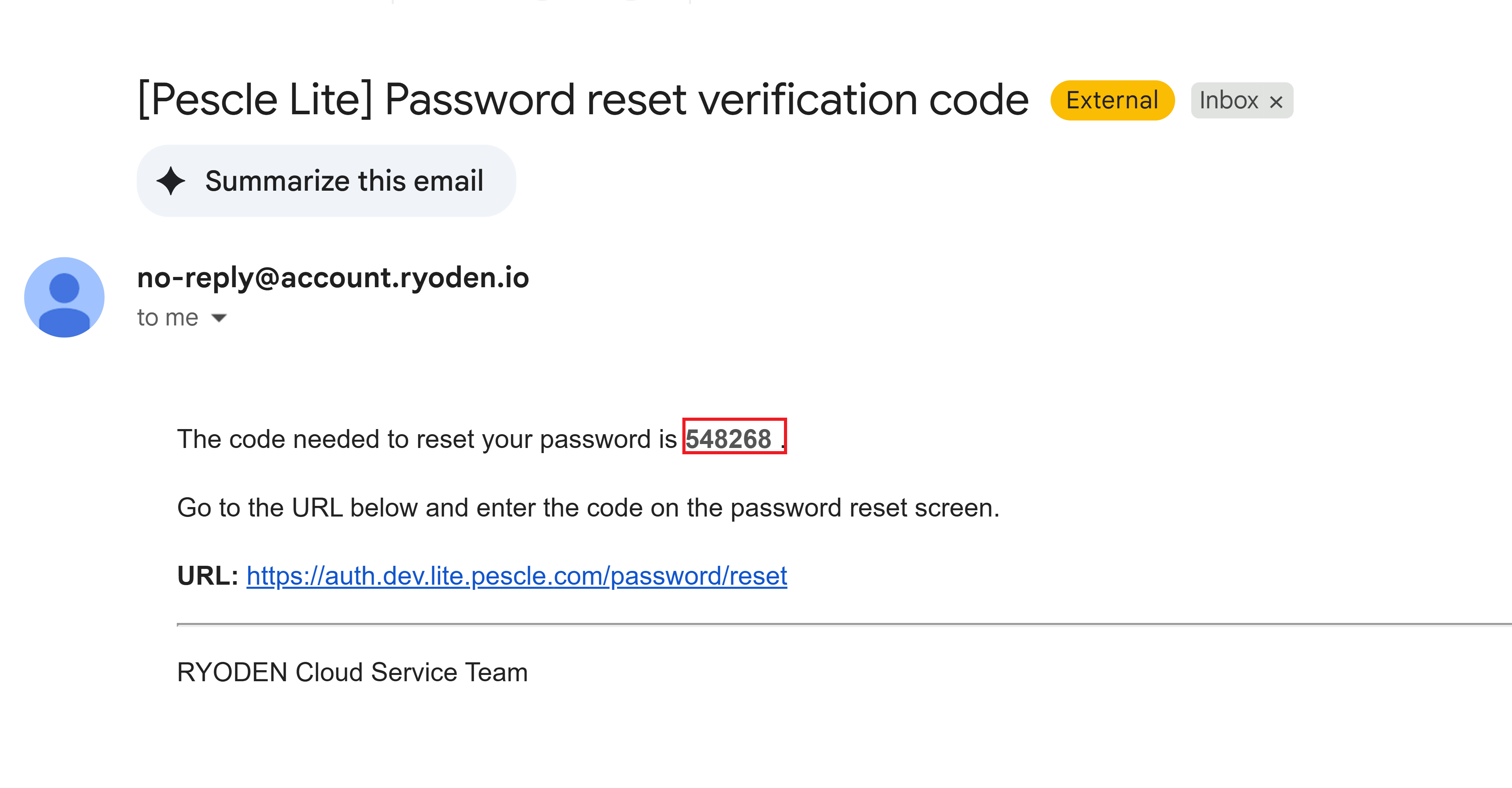
When you receive the verification code as shown below, please copy it.
Hint
The code 931458 shown in the image is a placeholder. The actual value will be different.
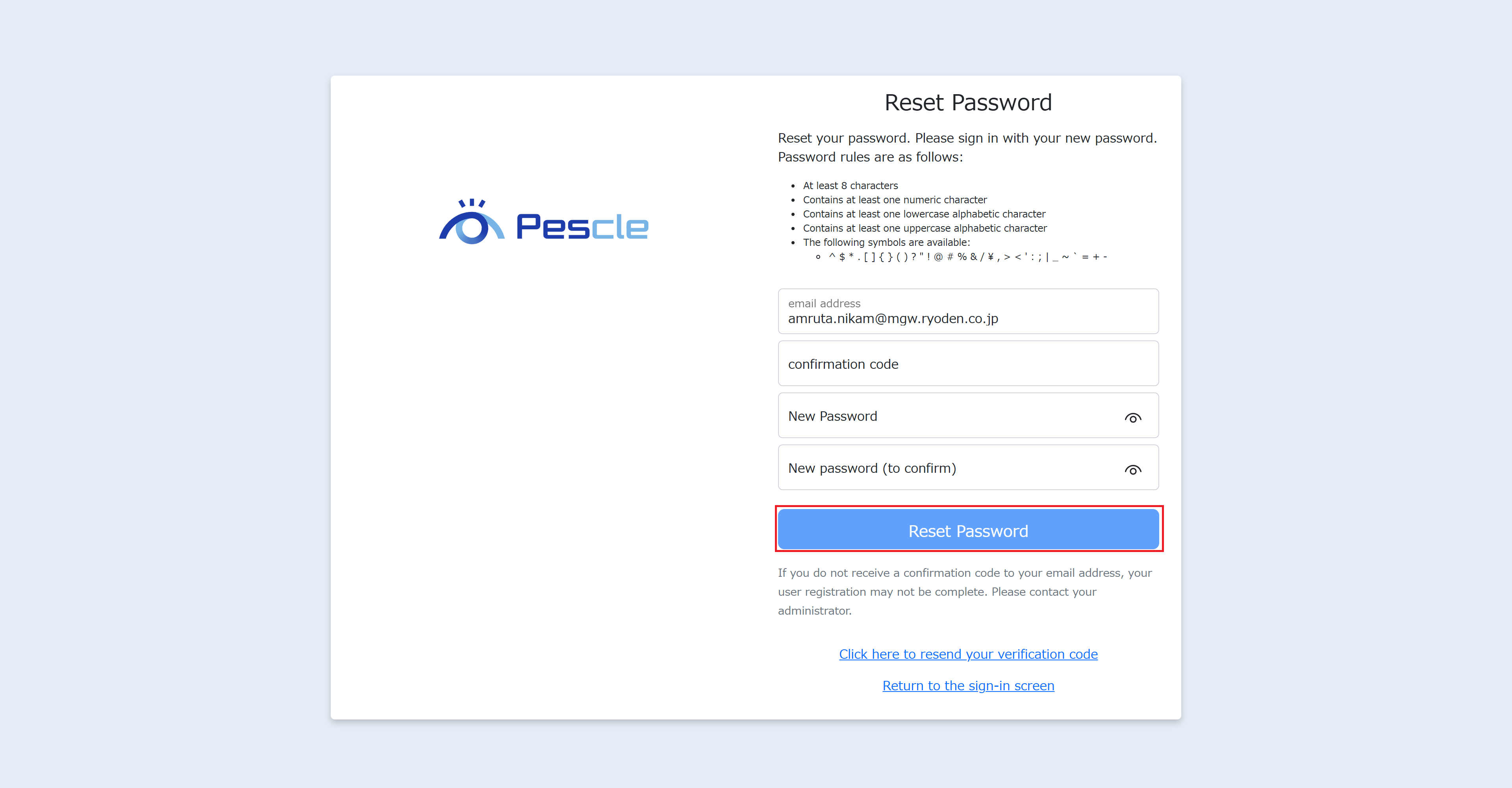
On the password reset screen https://auth.lite.pescle.com/password/reset, enter your email address, verification code, and new password, then click the “Reset Password” button.
Once you have successfully reset your password, enter your new password on the sign-in screen.