How to handle a inactivity error email
Hint
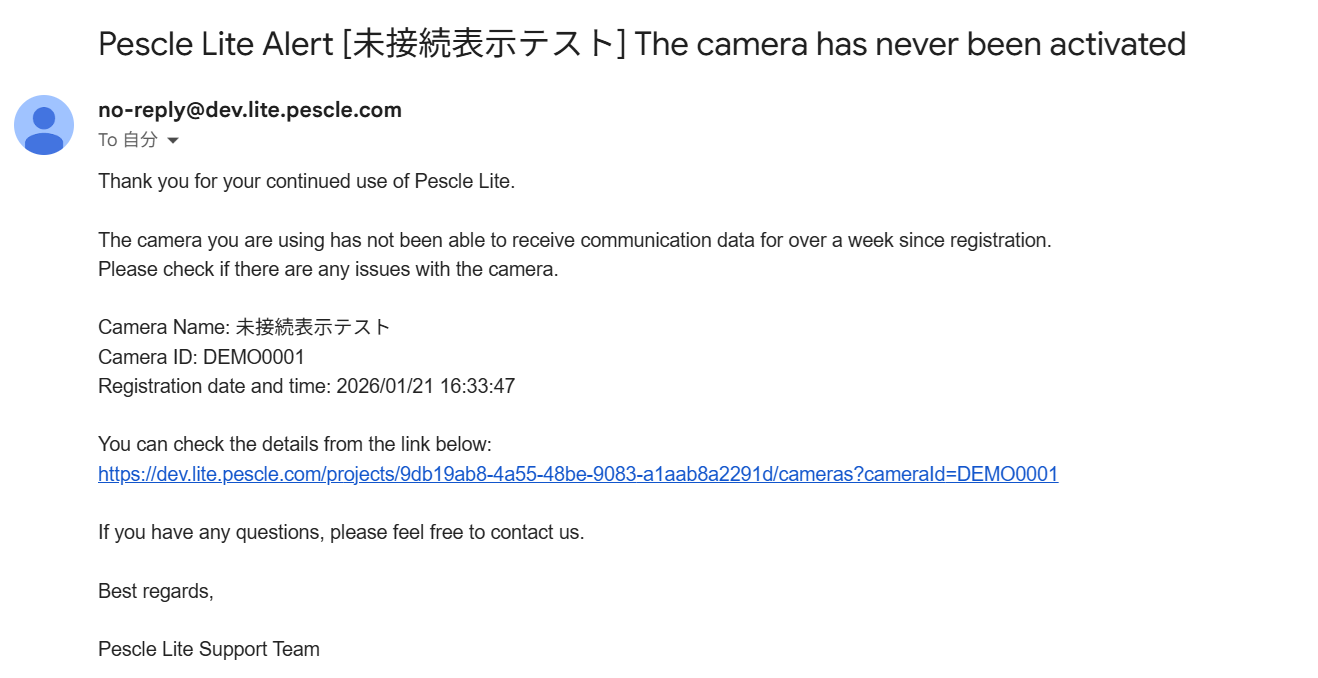
Pescle Lite will send you an email if it has not received communication data for more than one week after registering the camera.
We will explain how to check the link in the email you receive.
If you receive an email like the one below, click the link.
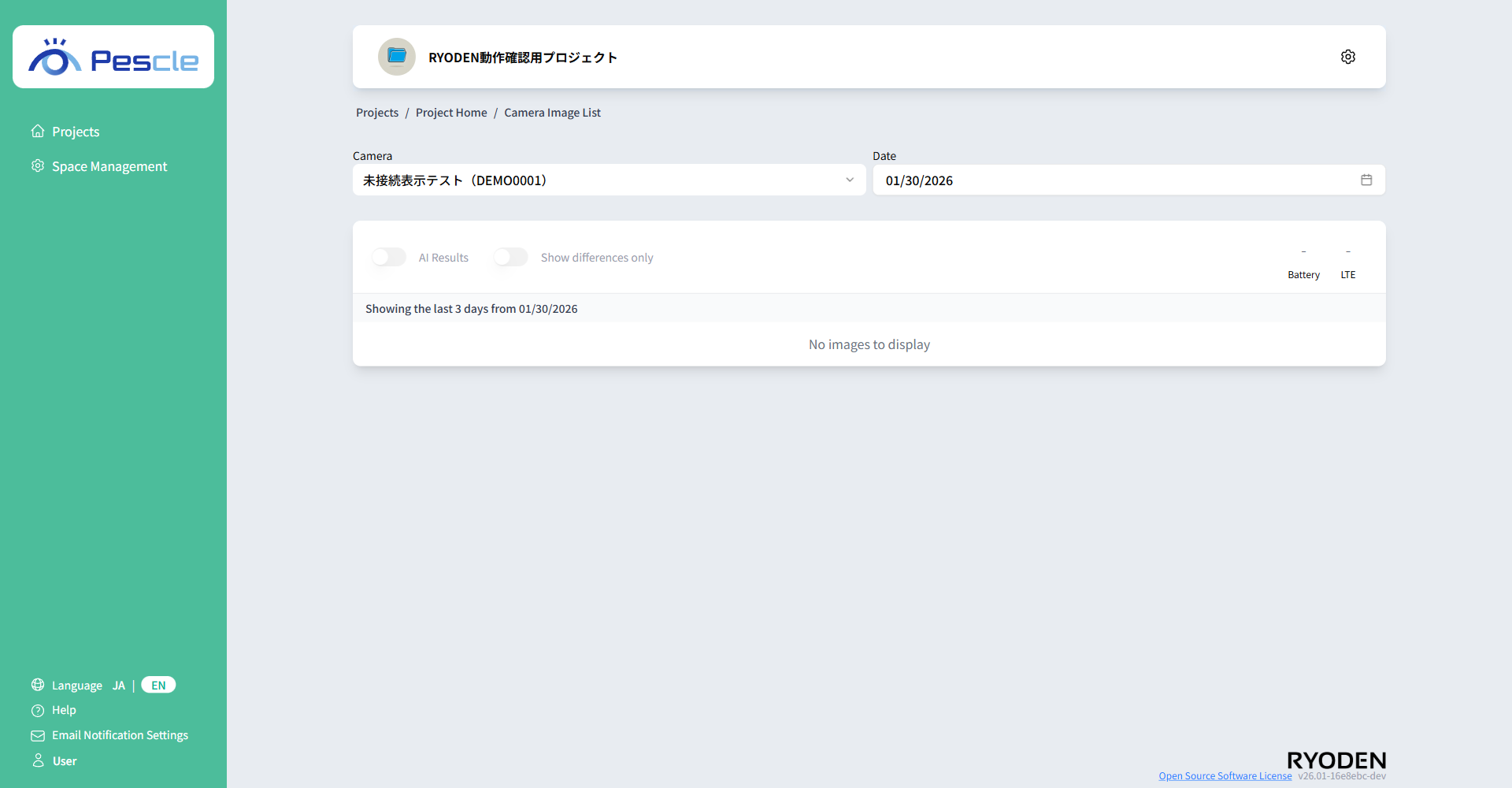
The link will display a list of camera images. Clicking on it will display the list of camera images.
Hint
Please check if there are any problems with the camera. The following causes are possible:
Camera power is off
Camera network connection has issues
Camera battery is low
Camera installation location has issues