How to Register a Camera to a Project
Caution
This feature is intended for project administrators.
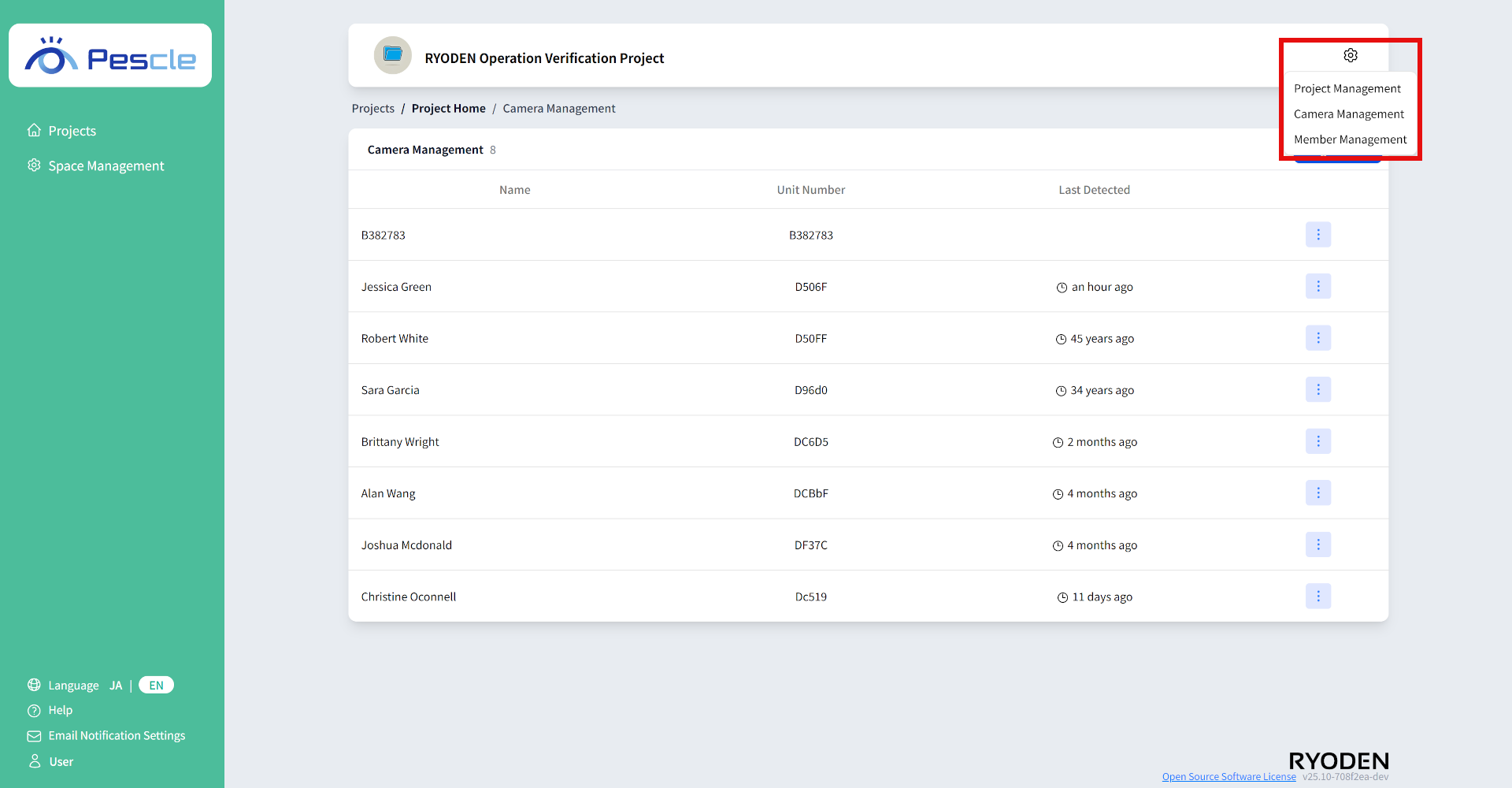
You can access this from the project home screen by clicking the gear icon in the upper right corner.
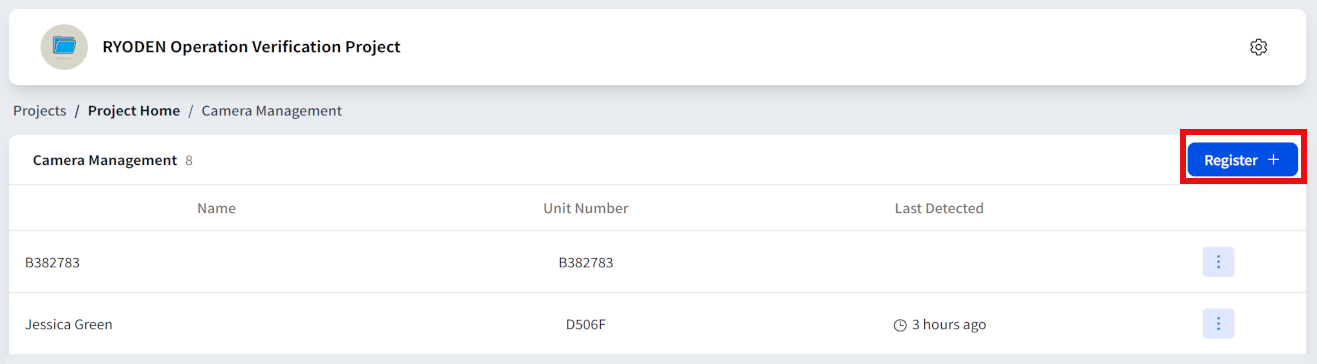
The camera management screen will be displayed. Click the “Register” button.
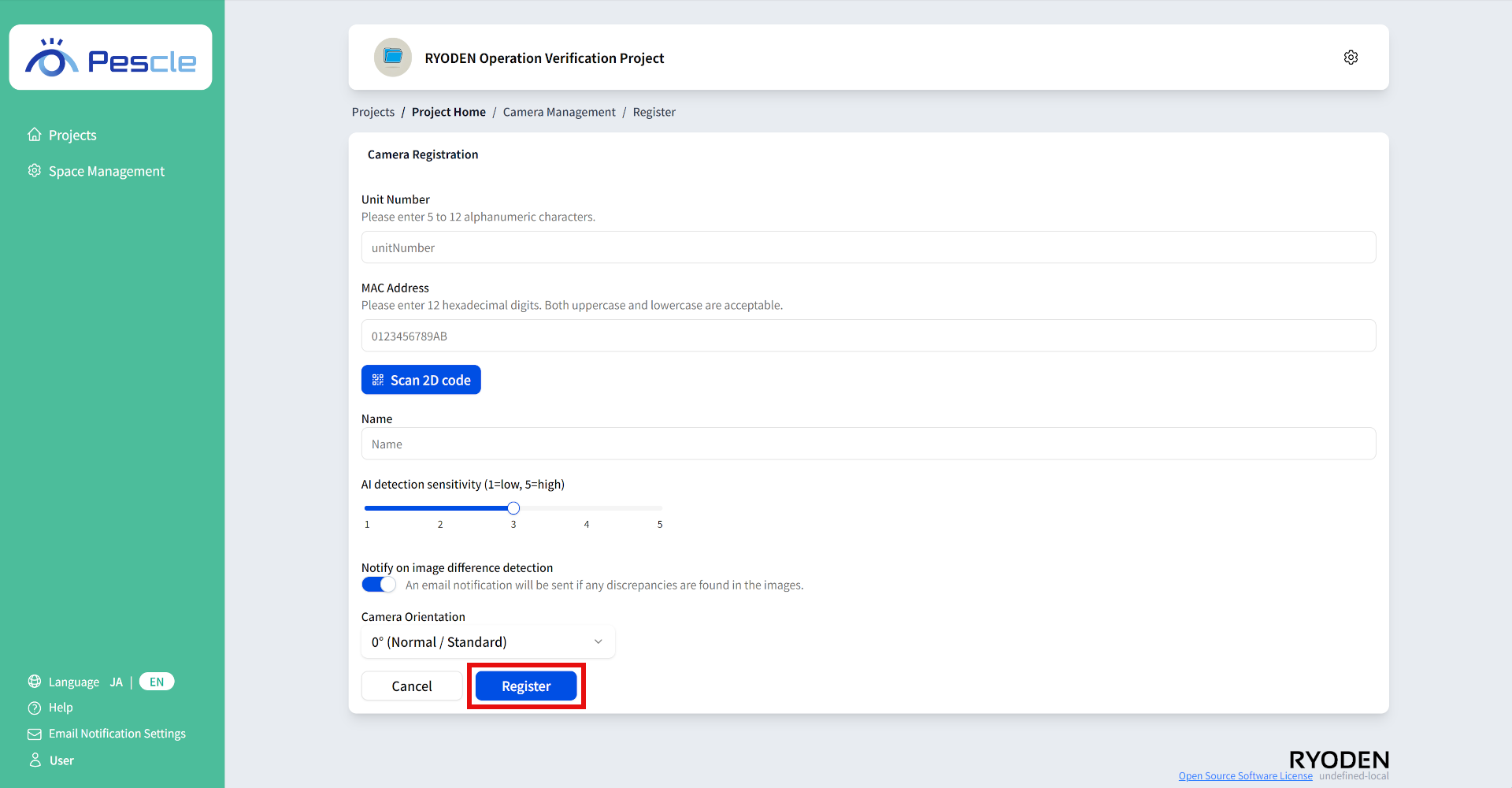
Camera registration screen
On the camera registration screen, enter the unit number, MAC Address, Name, Location, AI detection sensitivity, Notify on image difference detection, Camera Orientation and note.
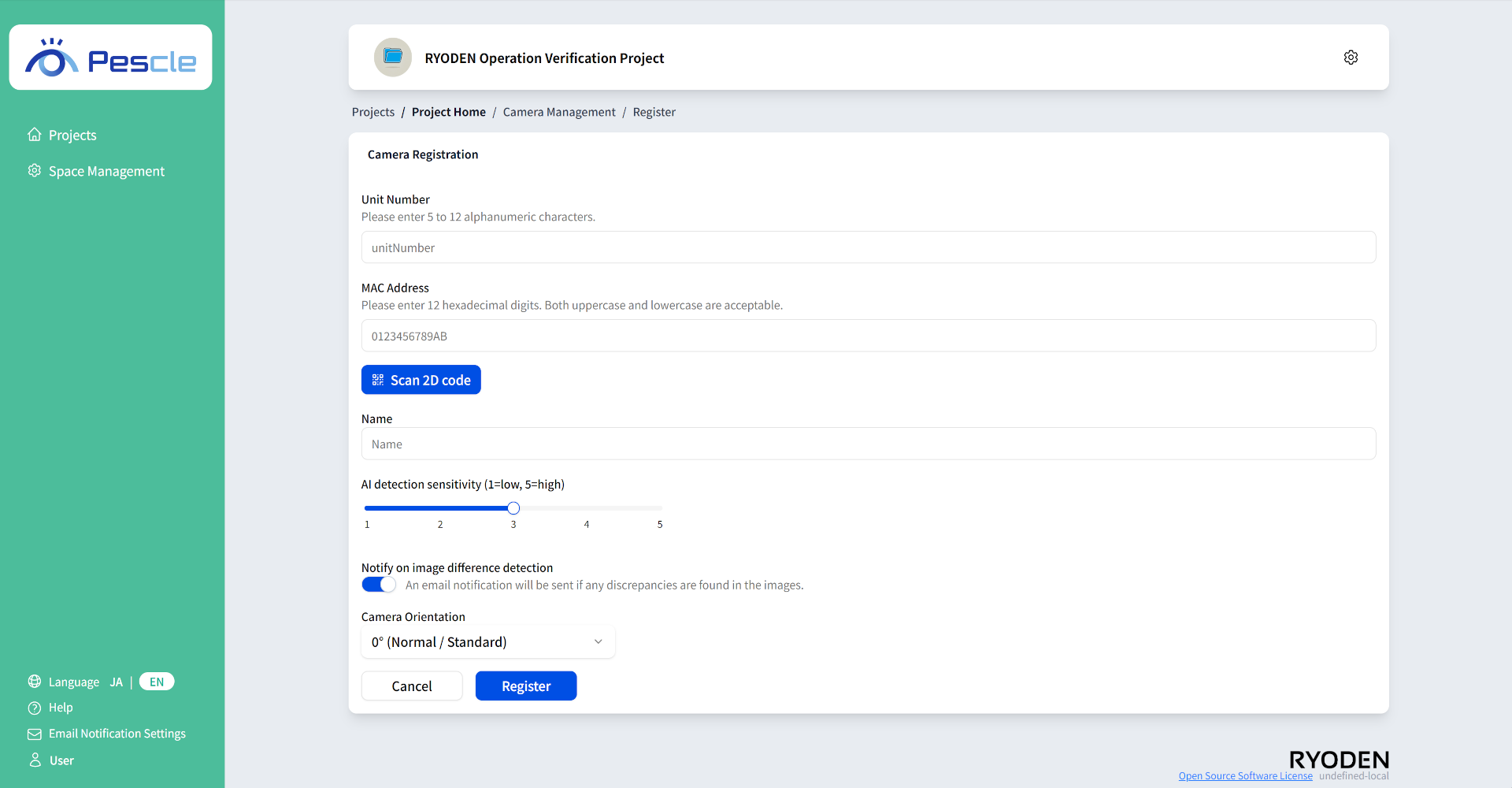
Camera Registration
After completing the input, click the “Register” button.
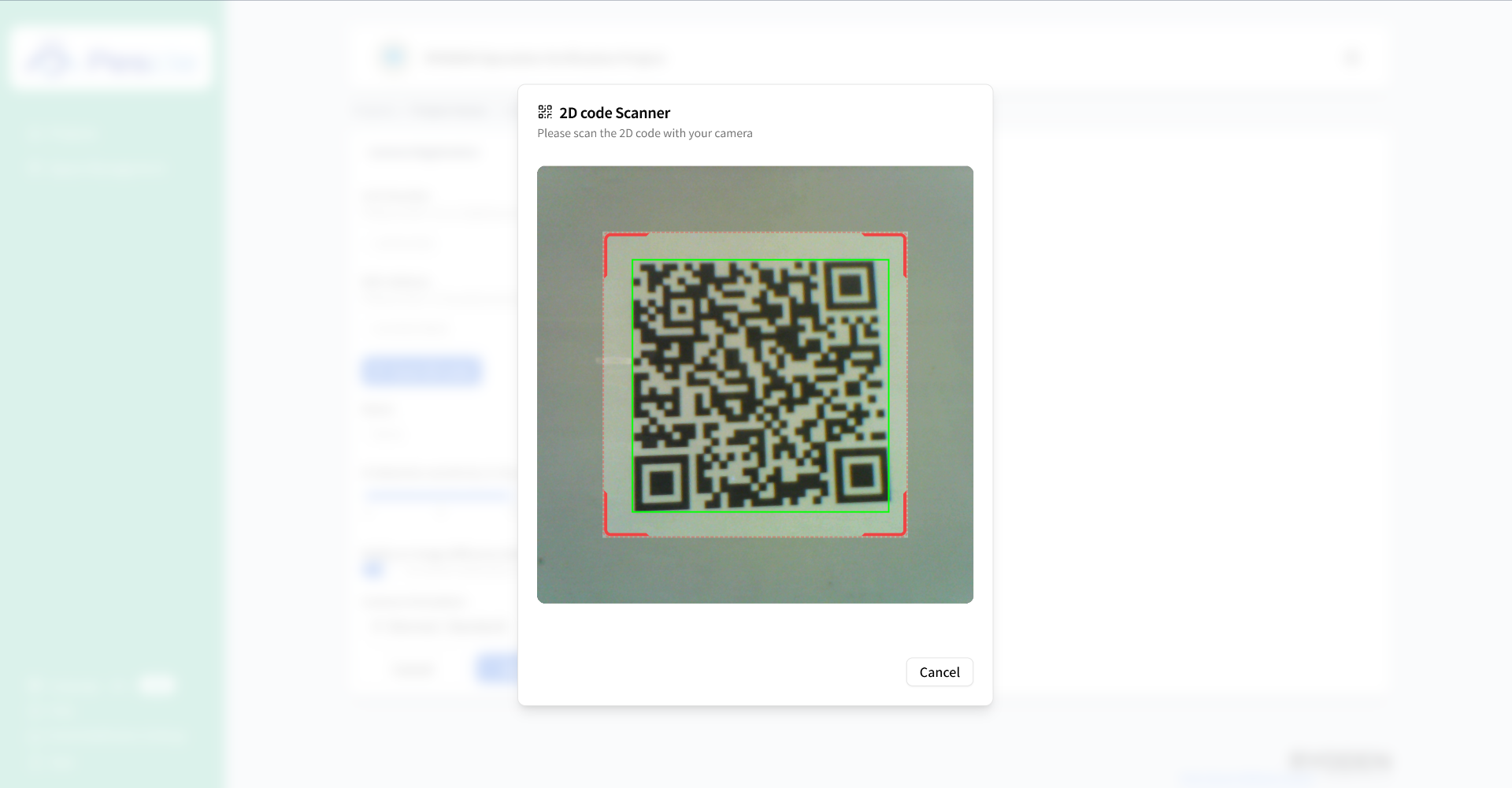
2D Code Scanning
Click the 2D code scanning button.
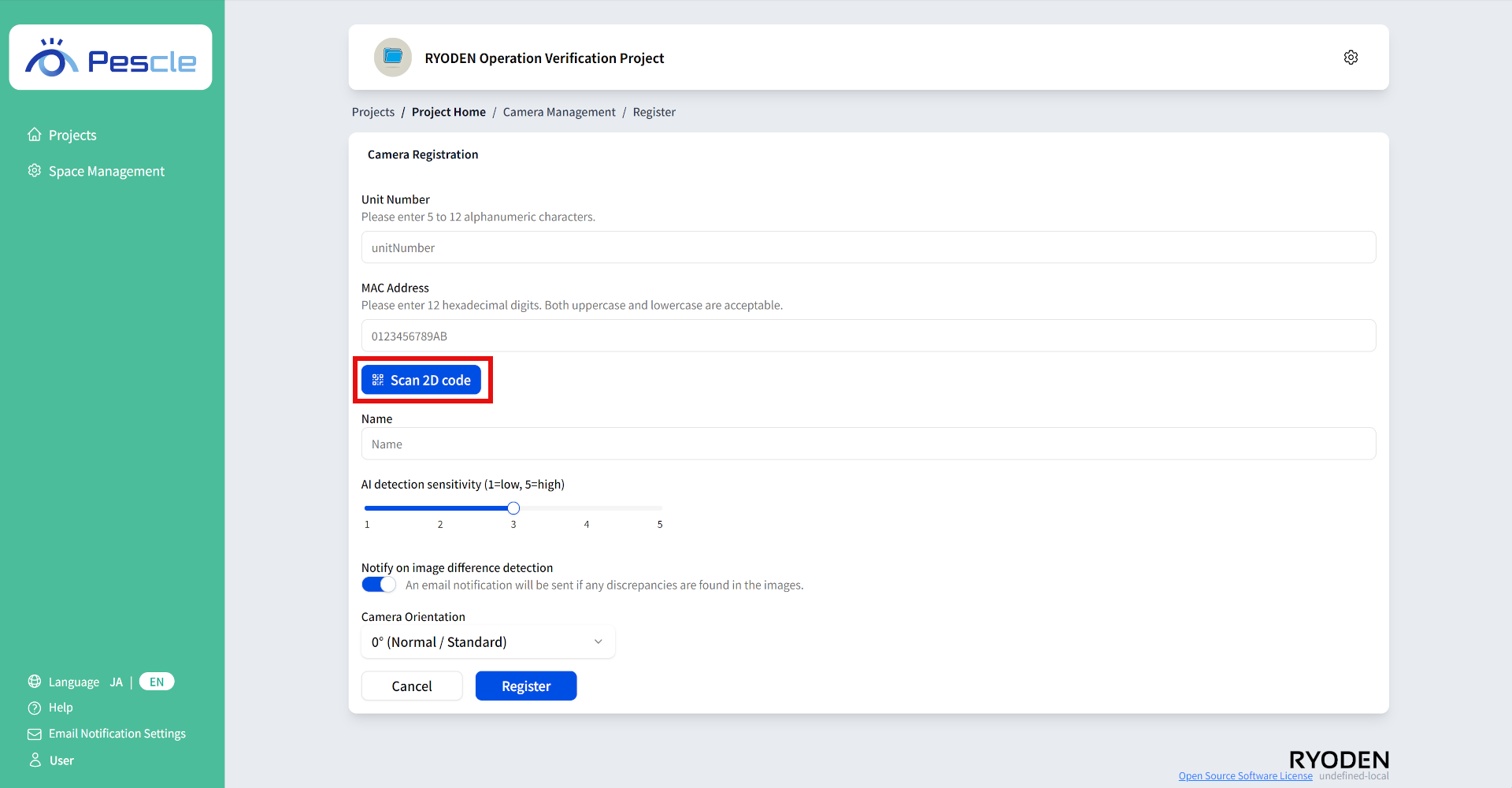
When you scan the camera’s 2D code, the unit number and MAC address will be automatically filled in.