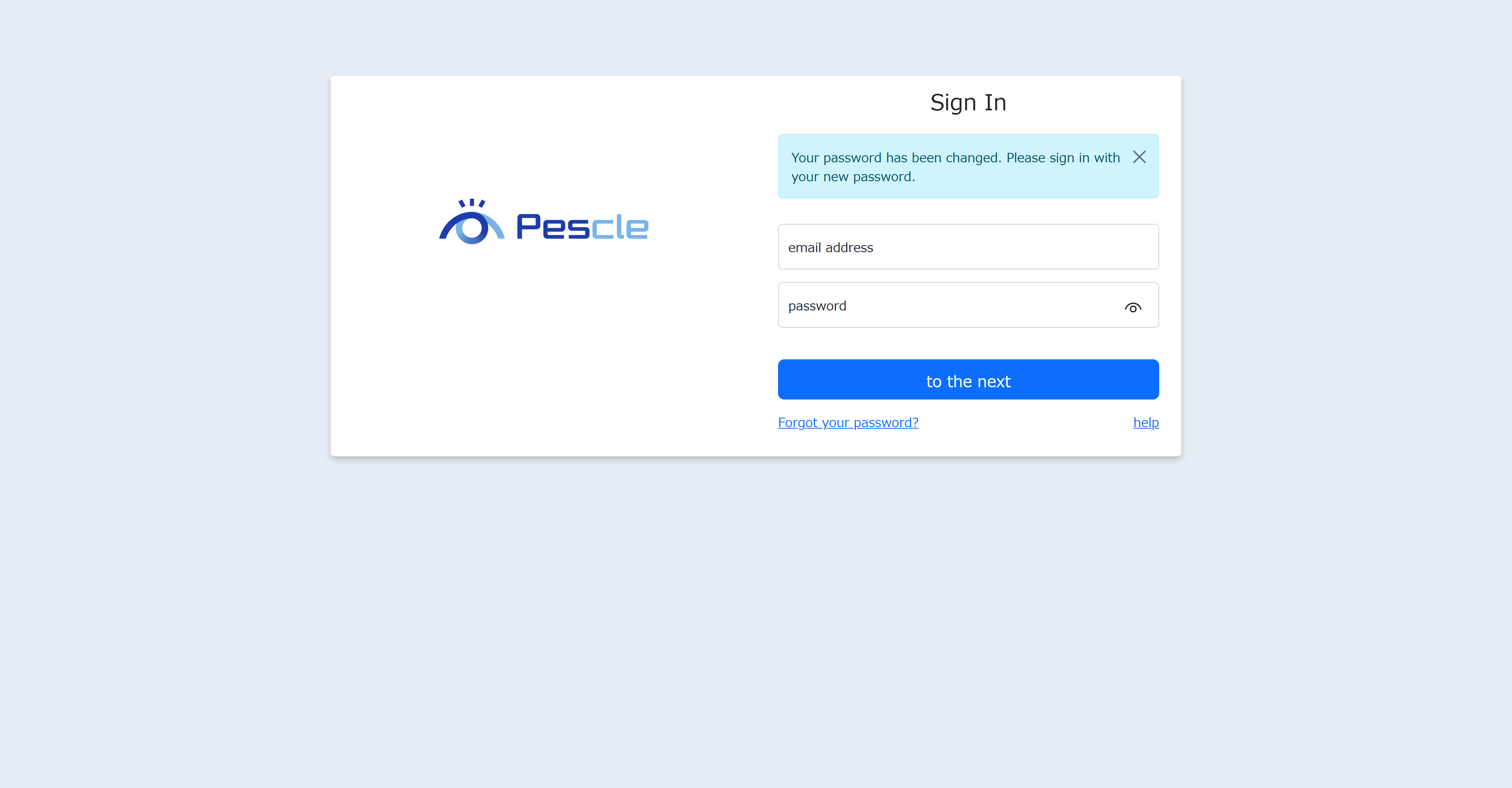
When You Receive an Invitation Email
When a space administrator adds a member to a space, an invitation email will be sent. Here we will explain the operations when you receive an invitation email.
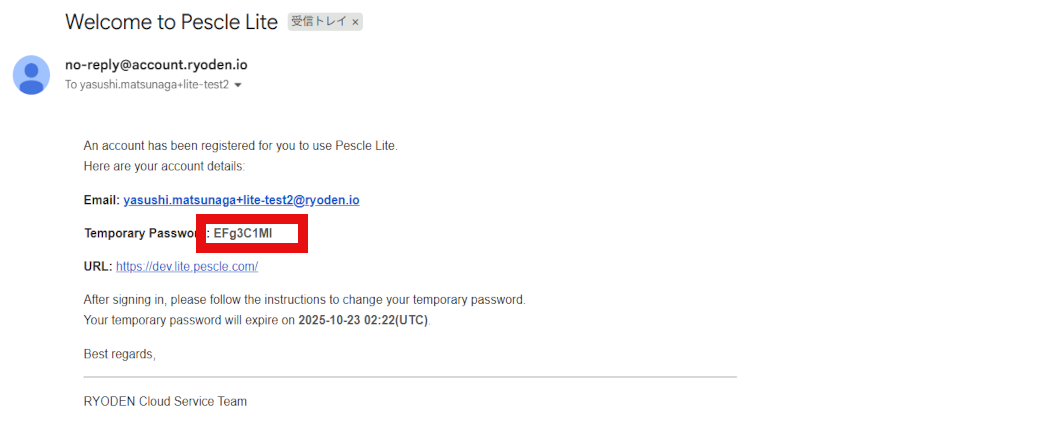
Initial Password
The invitation email contains the initial password. This is a password that can only be used for the first sign-in. Please copy it from the email body.
Sign In
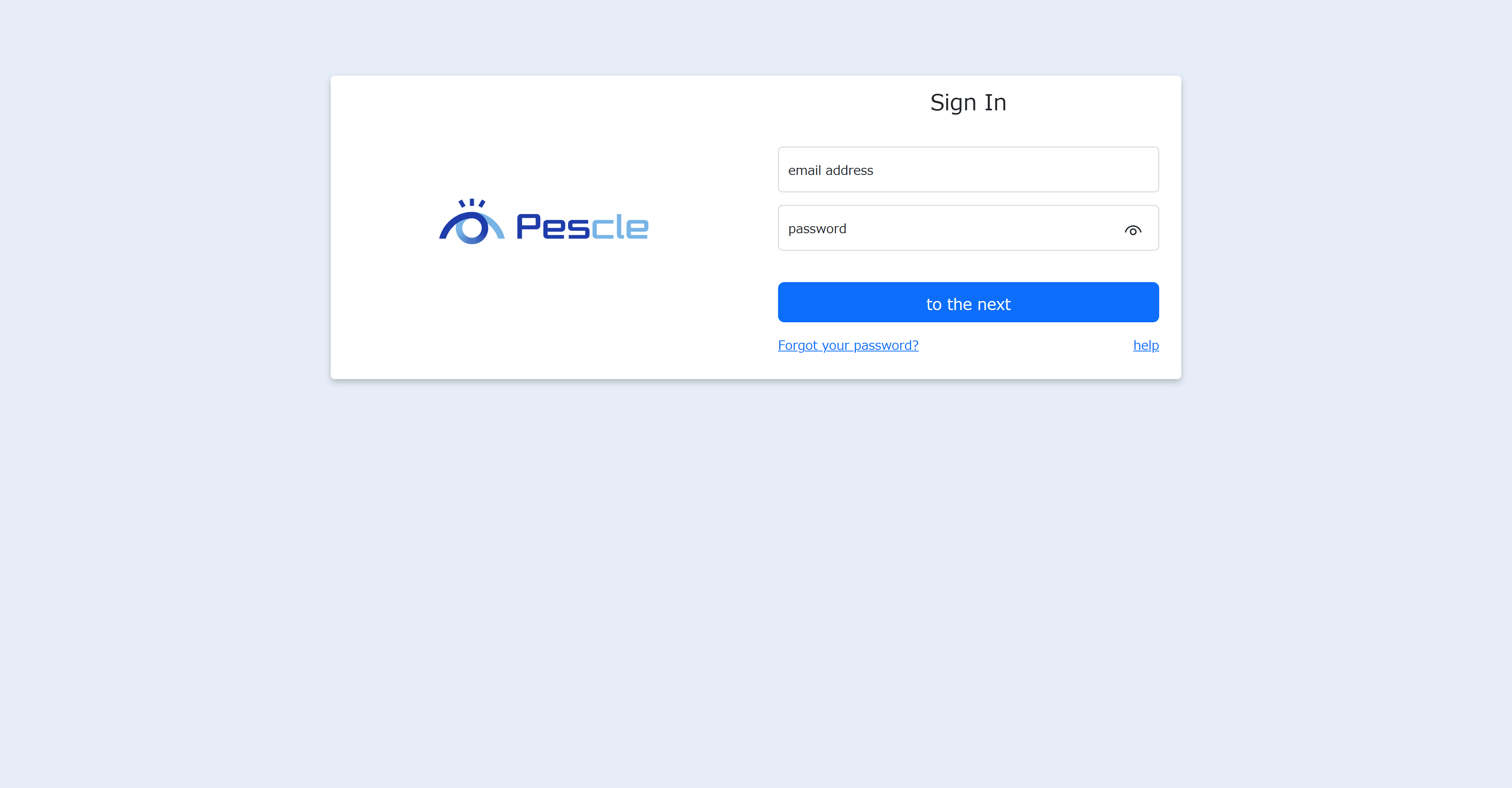
Click the URL https://lite.pescle.com in the email to sign in.
When the sign-in screen is displayed, enter your email address and initial password.
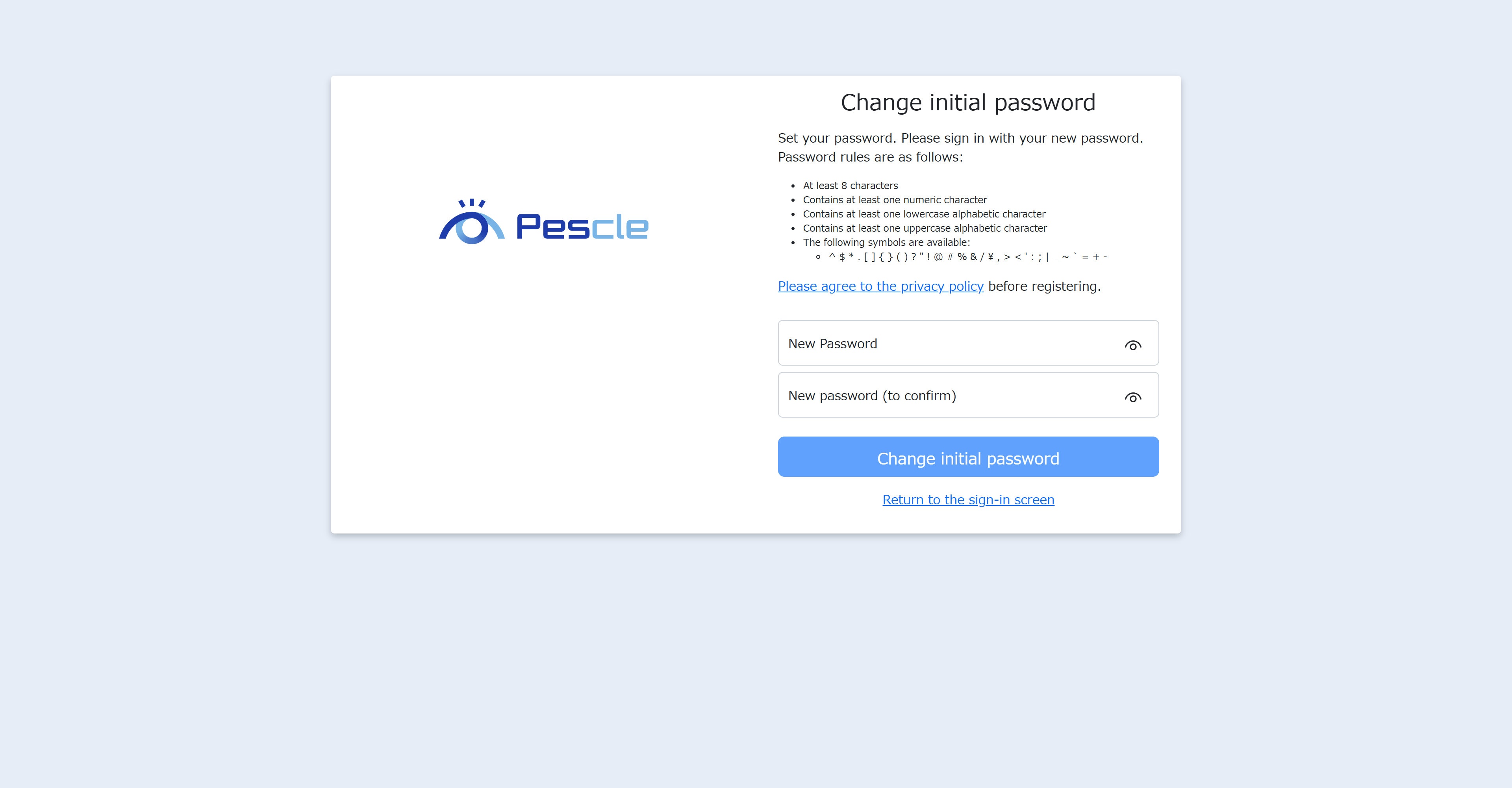
Change Initial Password
The initial password change screen will be displayed, so enter the new password and confirmation password. Once the input is complete, click the “Change Initial Password” button.
After changing the password, please refer to How to Sign In to sign in.