How to Create a Project
Caution
This feature is for space administrators.
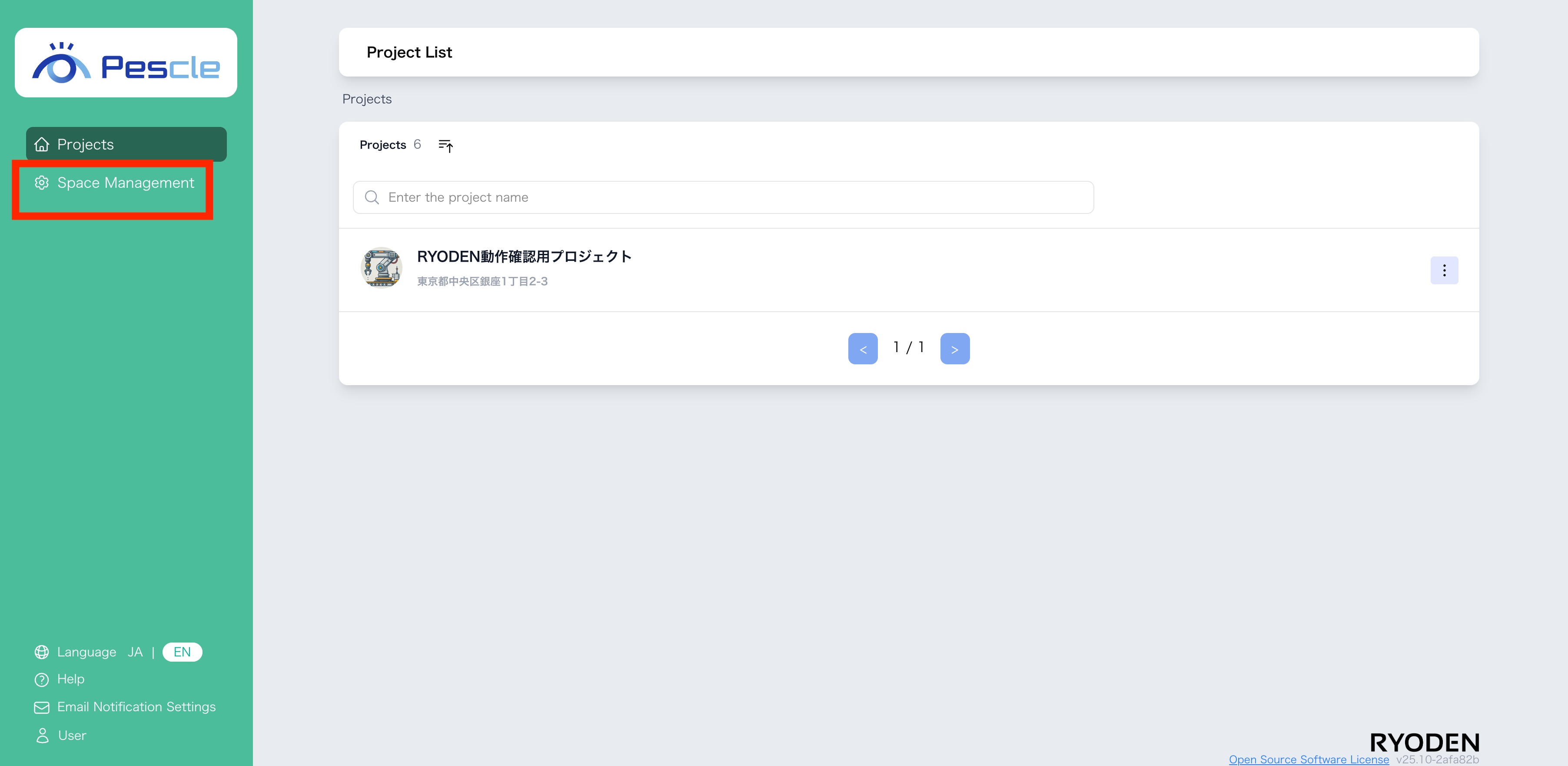
After signing in, a navigation bar for space management will appear on the left side of the screen. Click “Space Management” there.
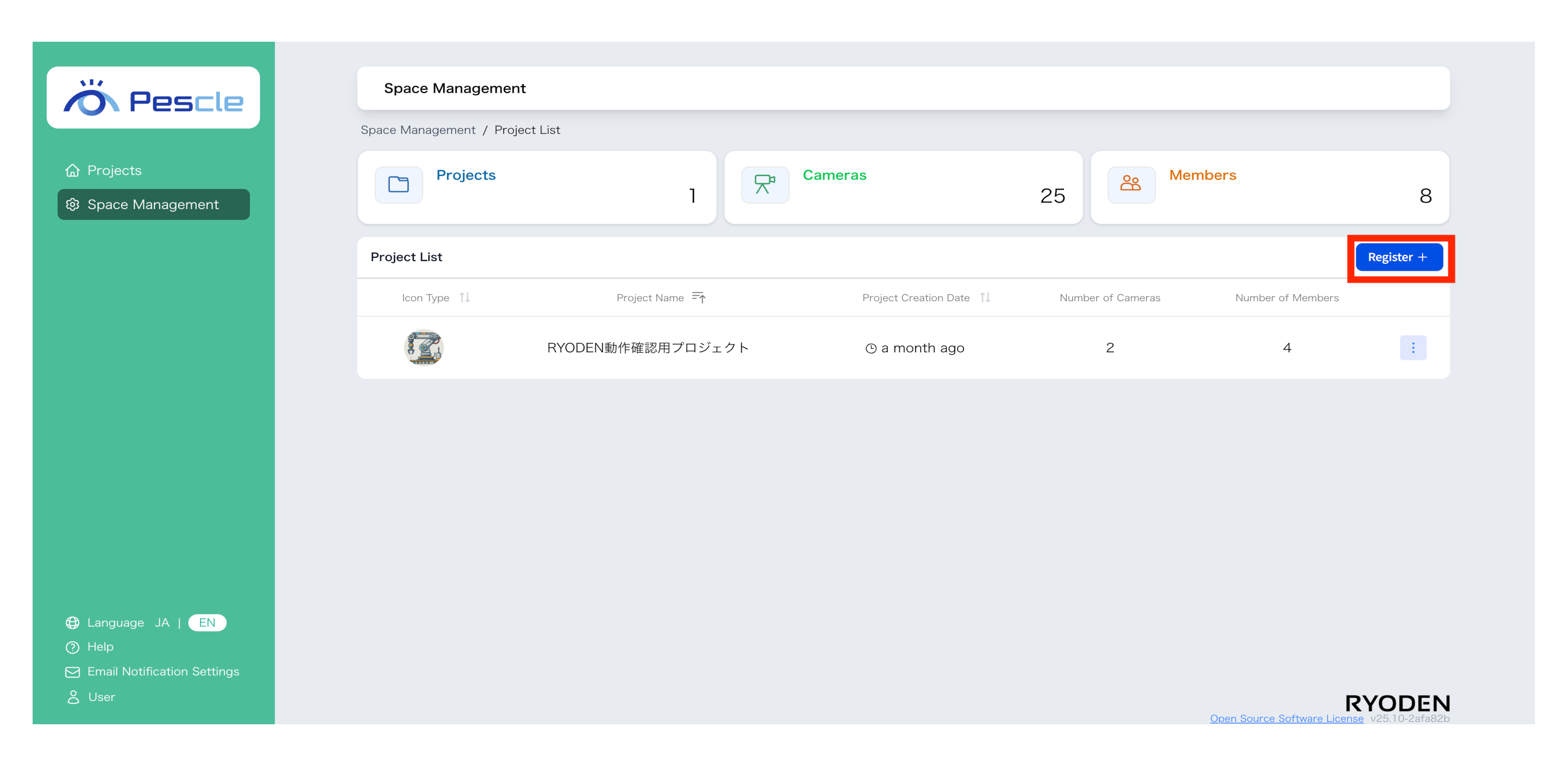
When the space management screen is displayed, click the “Register” button.
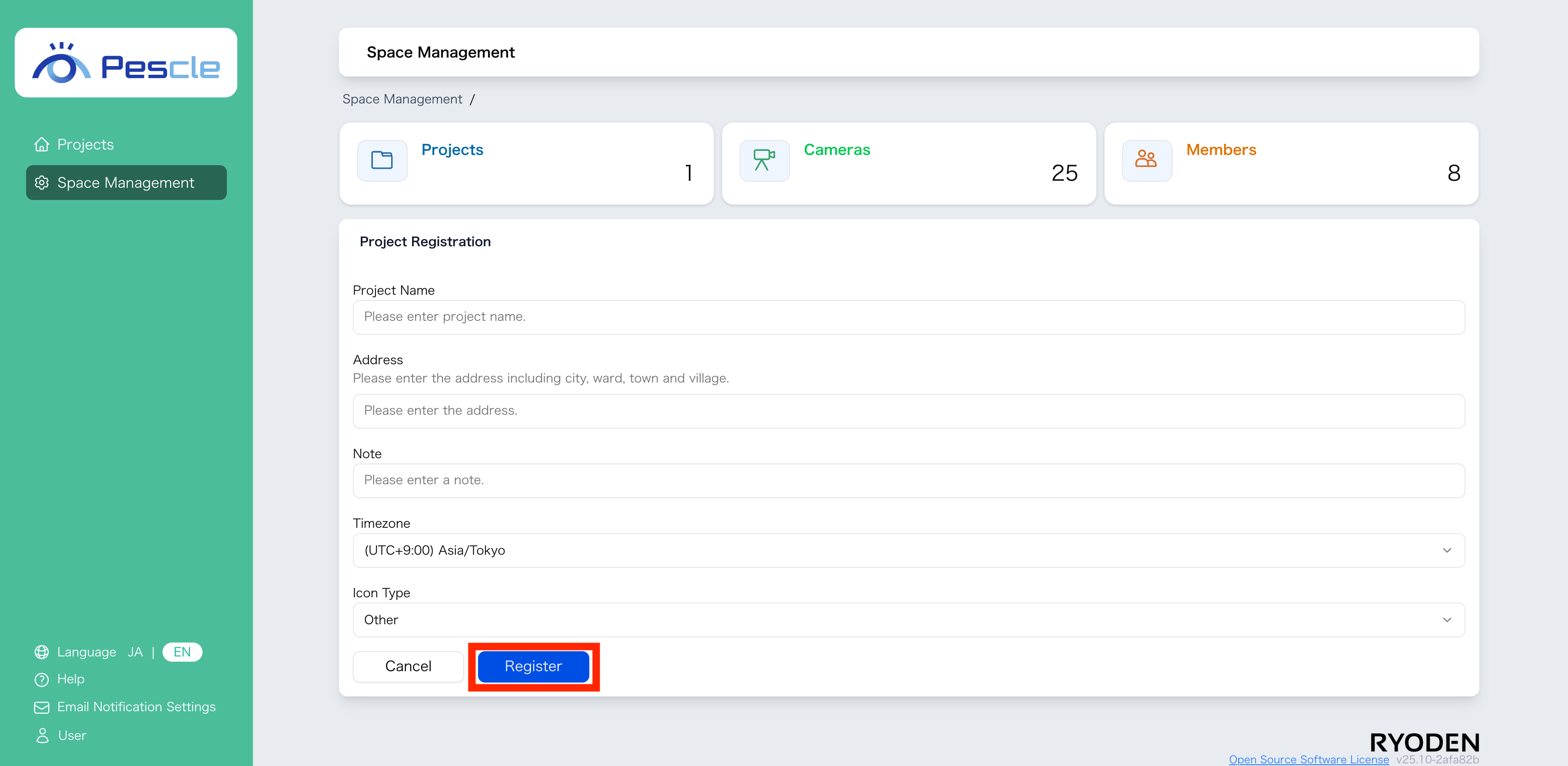
When the project creation screen is displayed, enter the project name, address, notes, time zone, and icon type. Once you have finished entering the information, click the “Register” button.