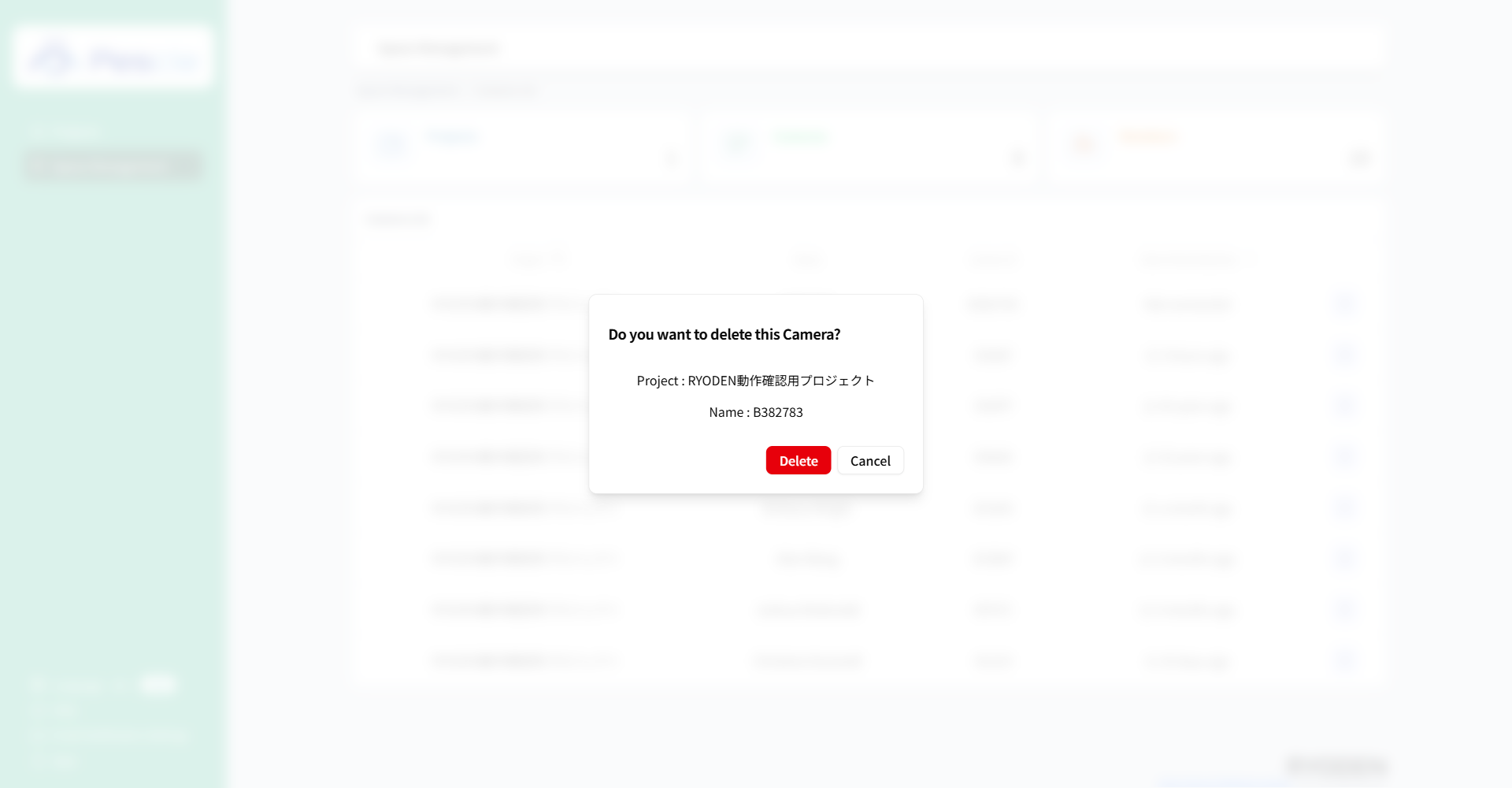
How to Delete a Camera
Caution
This function is for space administrators.
Once you sign in, the navigation bar for space management will appear on the left side of the screen. Click “Space Management” there.
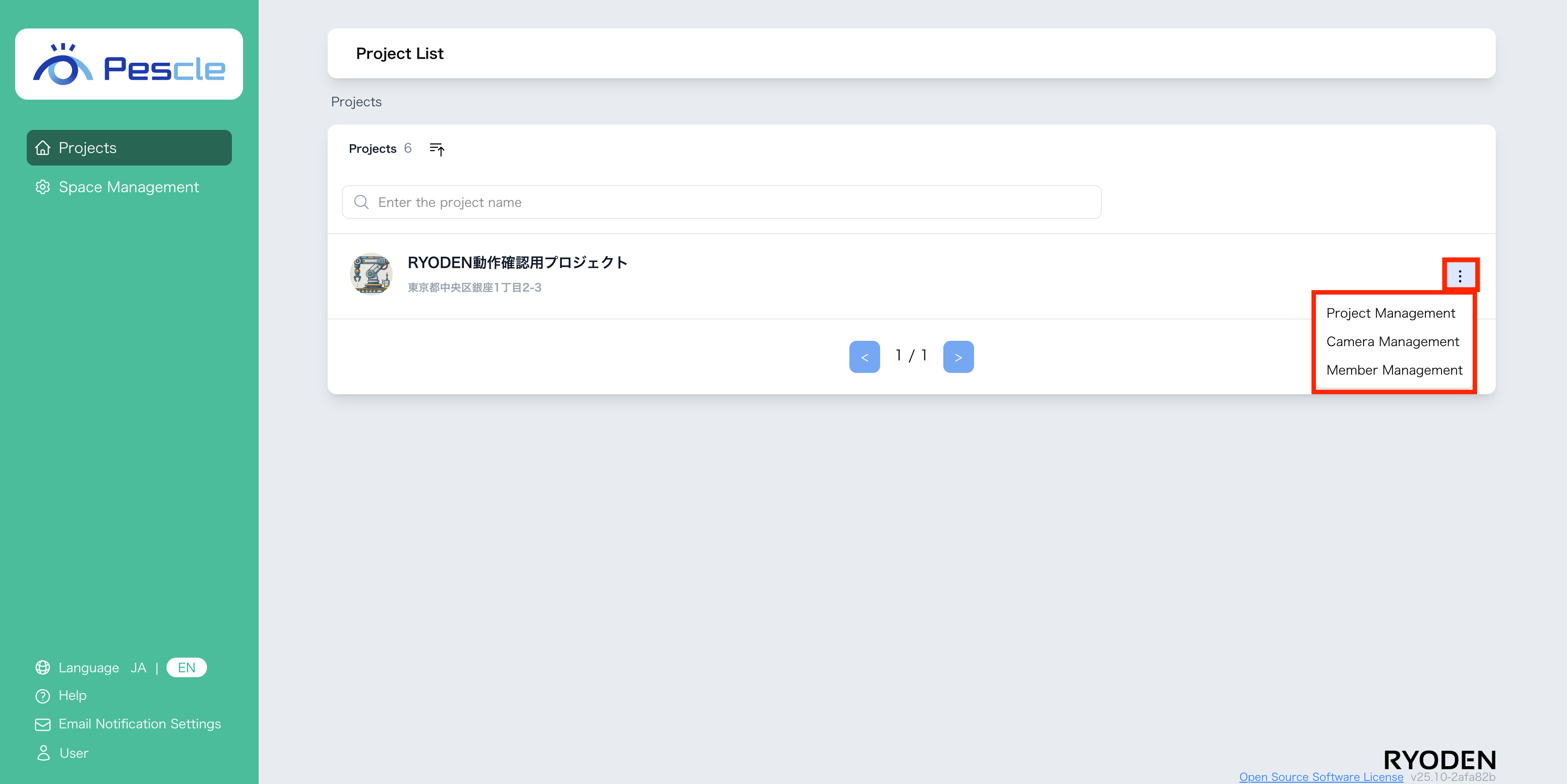
First, the project list screen will be displayed. Click “Camera” at the top of the screen.
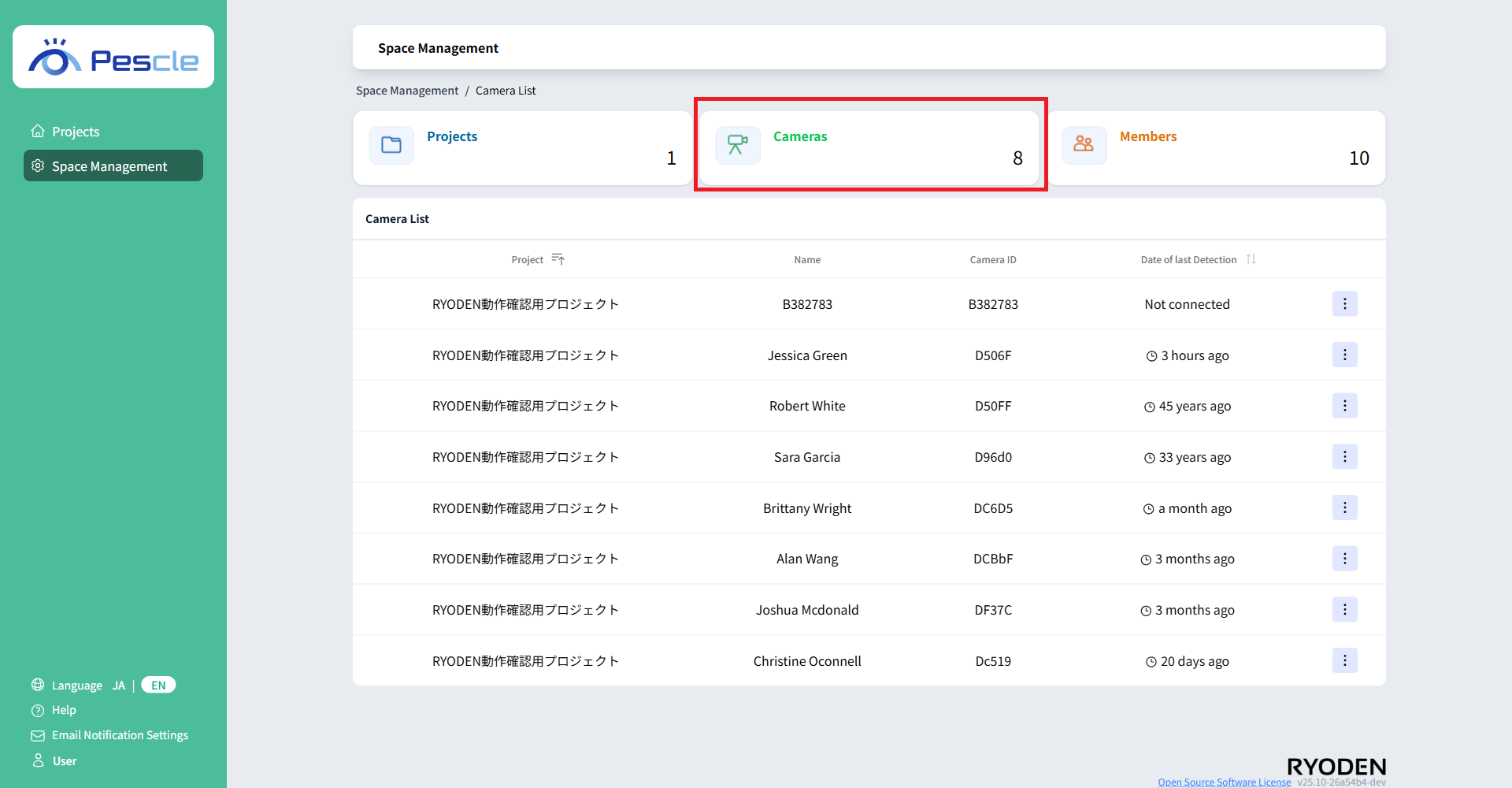
A list of cameras will be displayed. Click the vertical ellipsis to the right of the camera you want to delete, and then click “Delete Camera.”
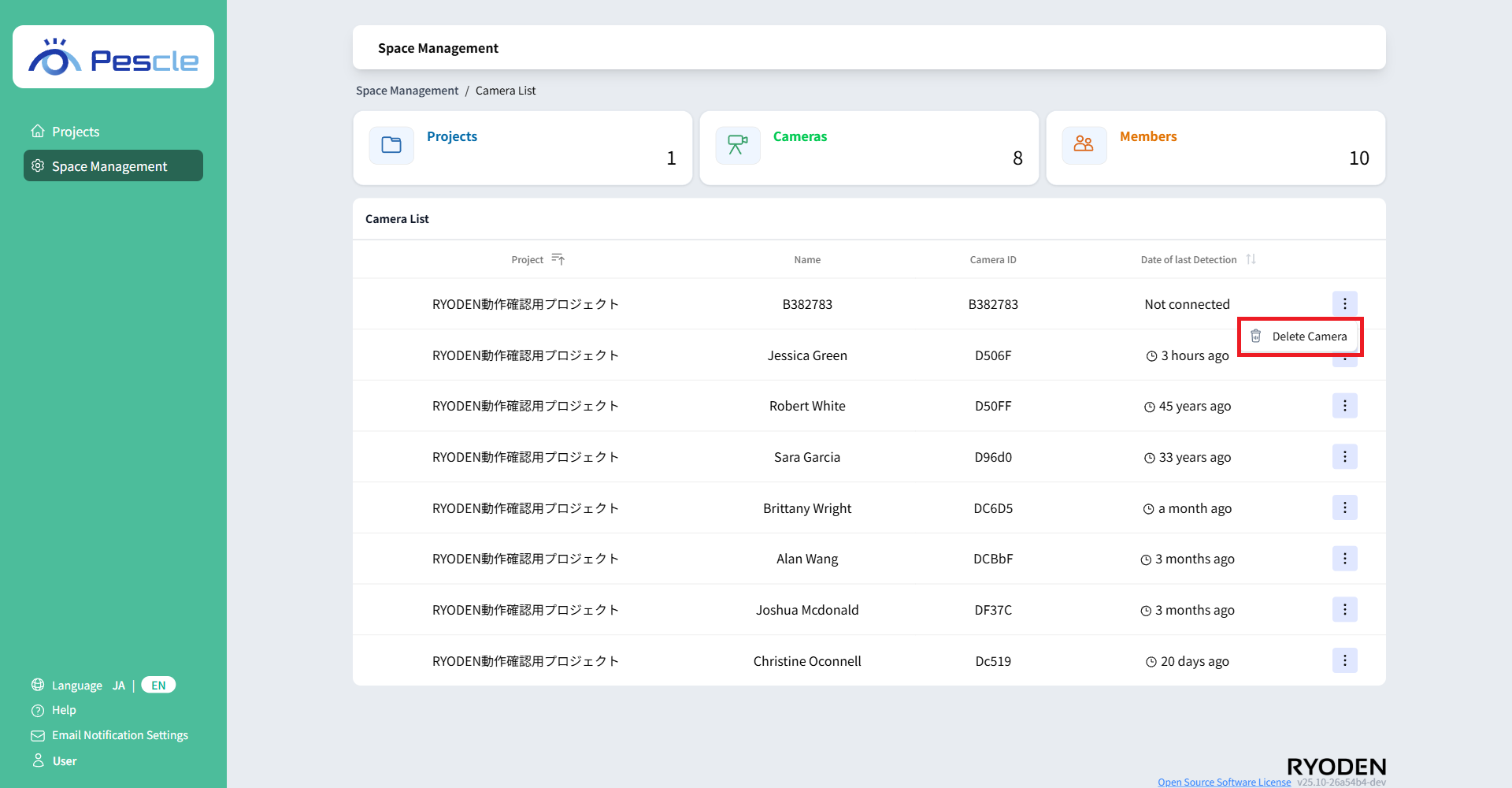
Camera List Screen