How to handle a detection email
Hint
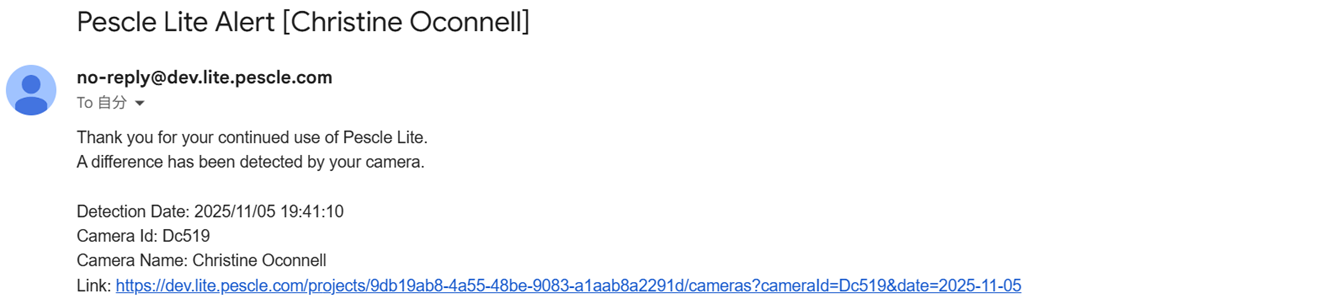
Pescle Lite sends you an email when it detects a difference in the camera image or a specified pest. We will explain how to check the link in the email you receive.
If you receive an email like the one below, click the link.
The link will display the camera image detail. Clicking on it will display the camera image detail.
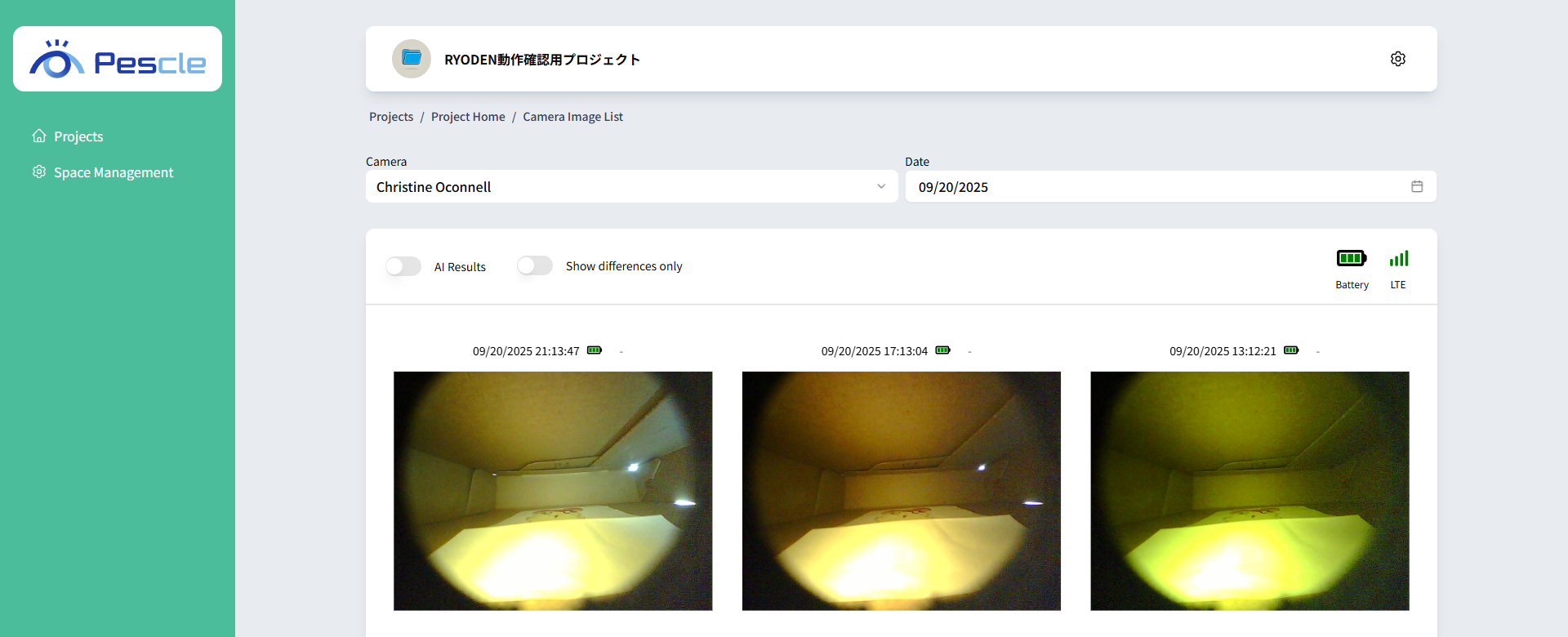
Types of detection emails
There are three types of detection emails, depending on the detection mode set for the camera. Only the detected target in the body differs; the steps to check the camera image detail from the link are the same for all of them.
Difference (Diff Detection): “A difference was detected by your camera.”
Booklice (Specific Pest Detection): “Booklice were detected by your camera.”
Cockroach (Specific Pest Detection): “A cockroach was detected by your camera.”