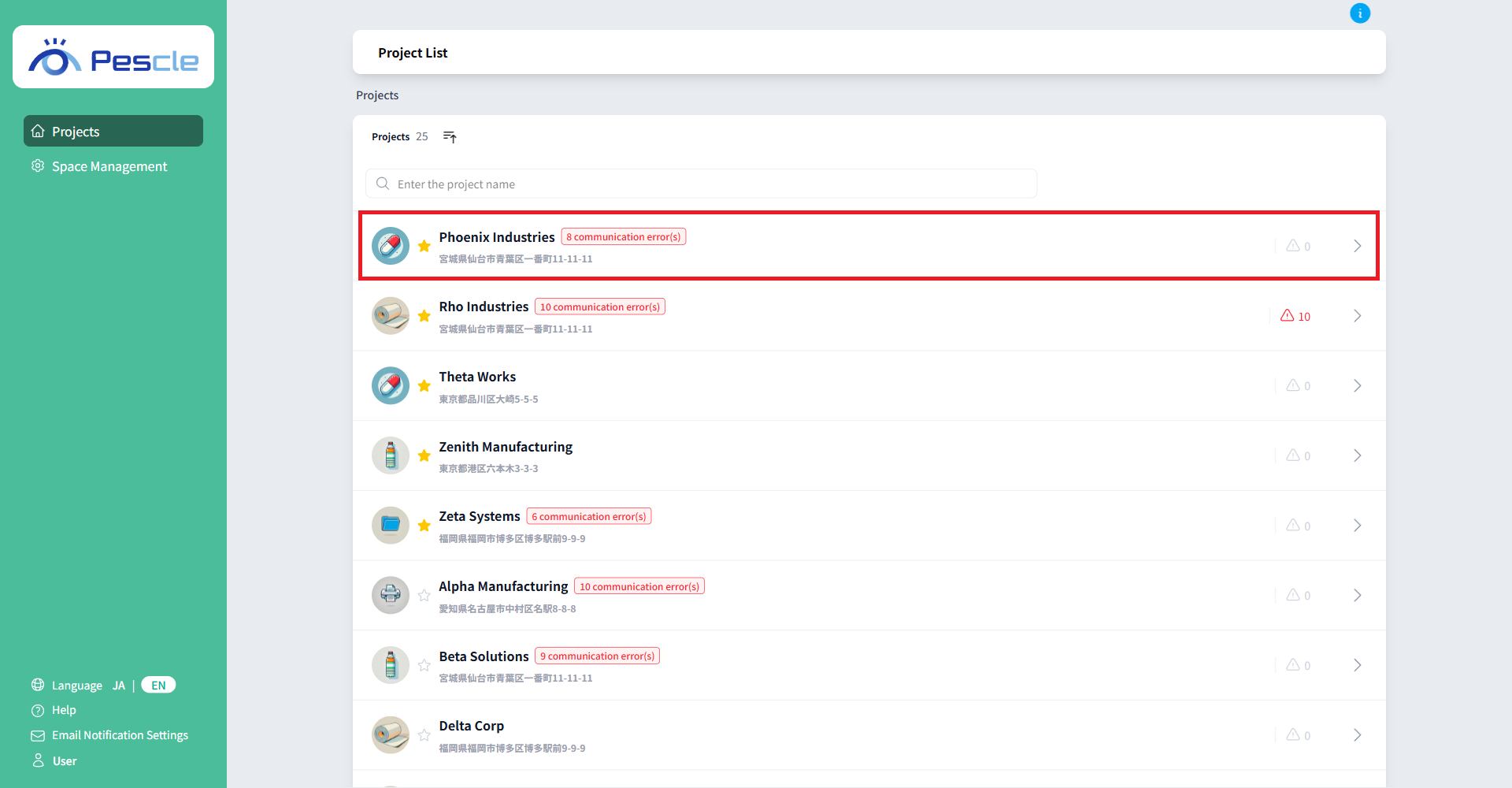
How to View Project List
You can view the project list after signing in.
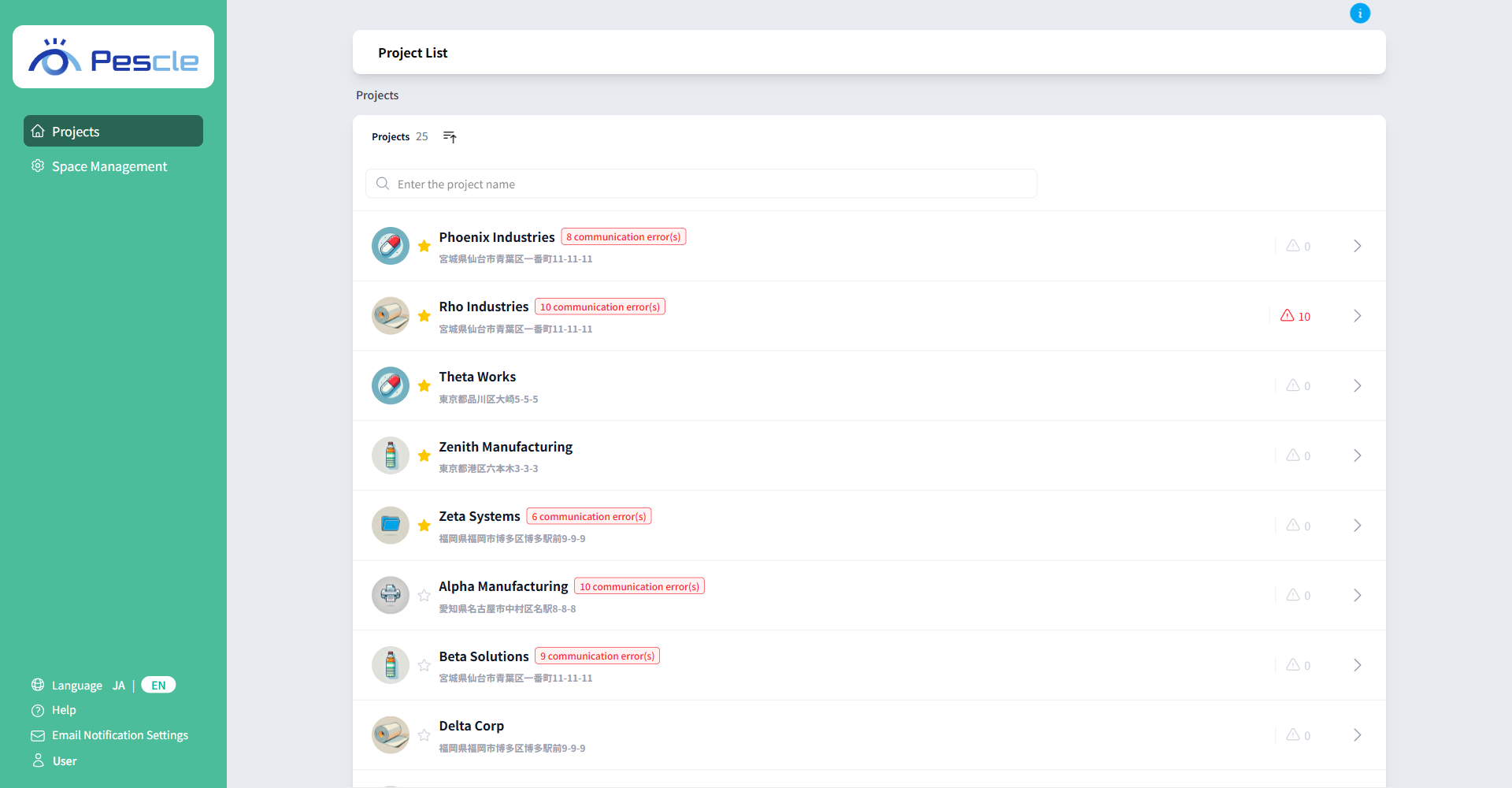
Search project name
You can narrow down the projects displayed by typing text into the search box.
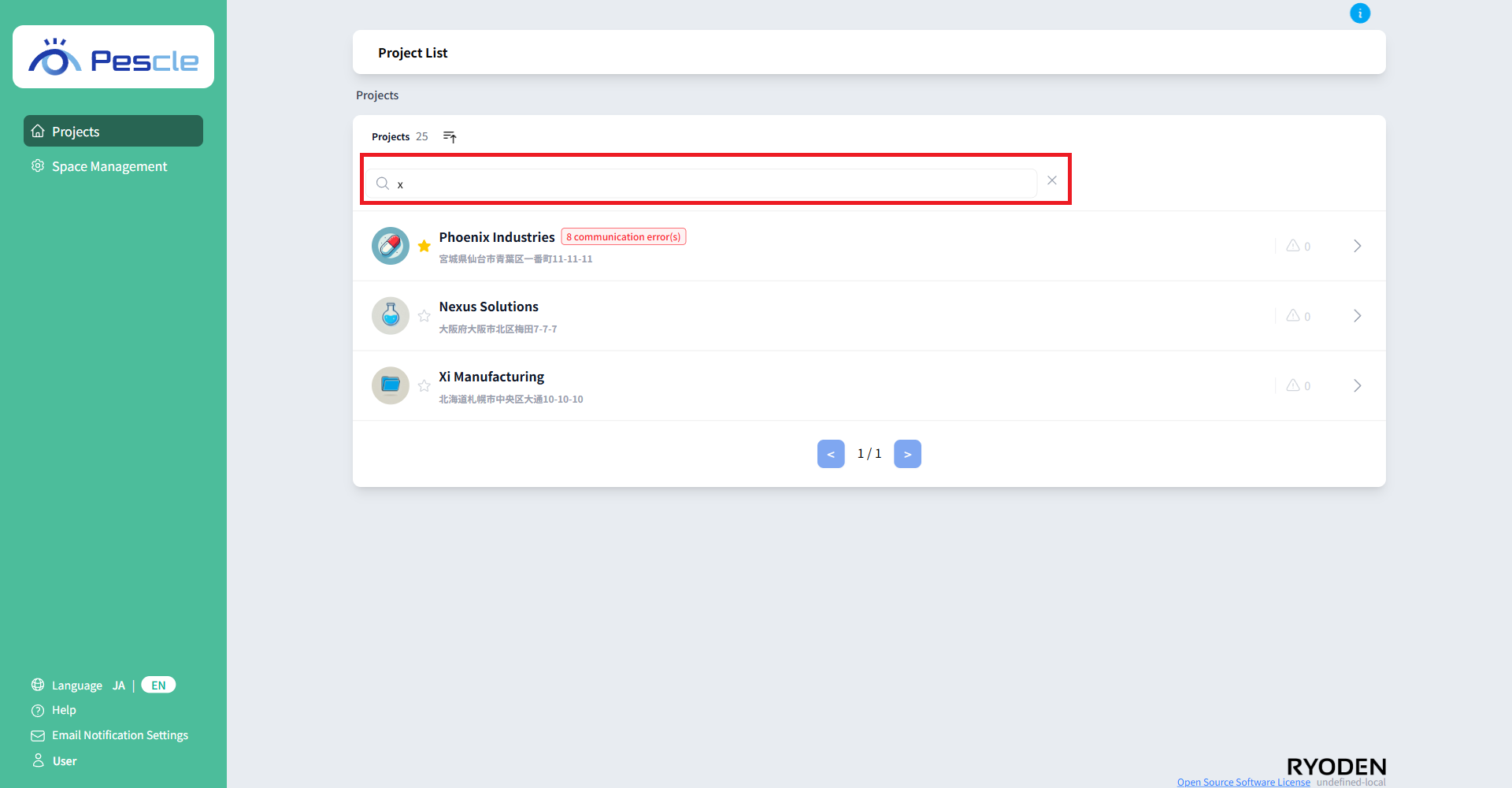
Tip
You can clear your search by pressing the “×” button that appears to the right of the search bar.
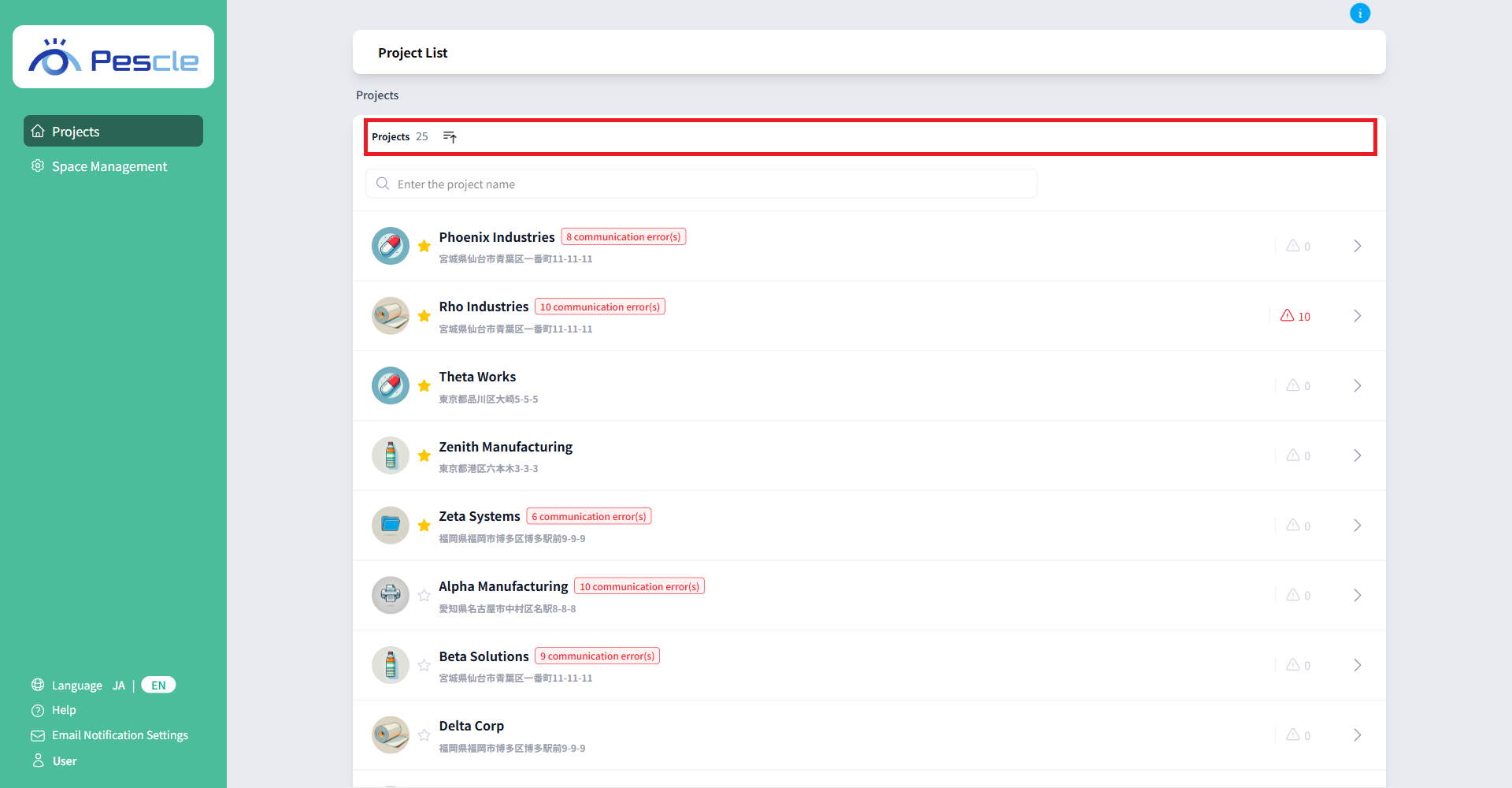
Sort by project name
Clicking on the title in the project list will toggle between ascending and descending order of project names.
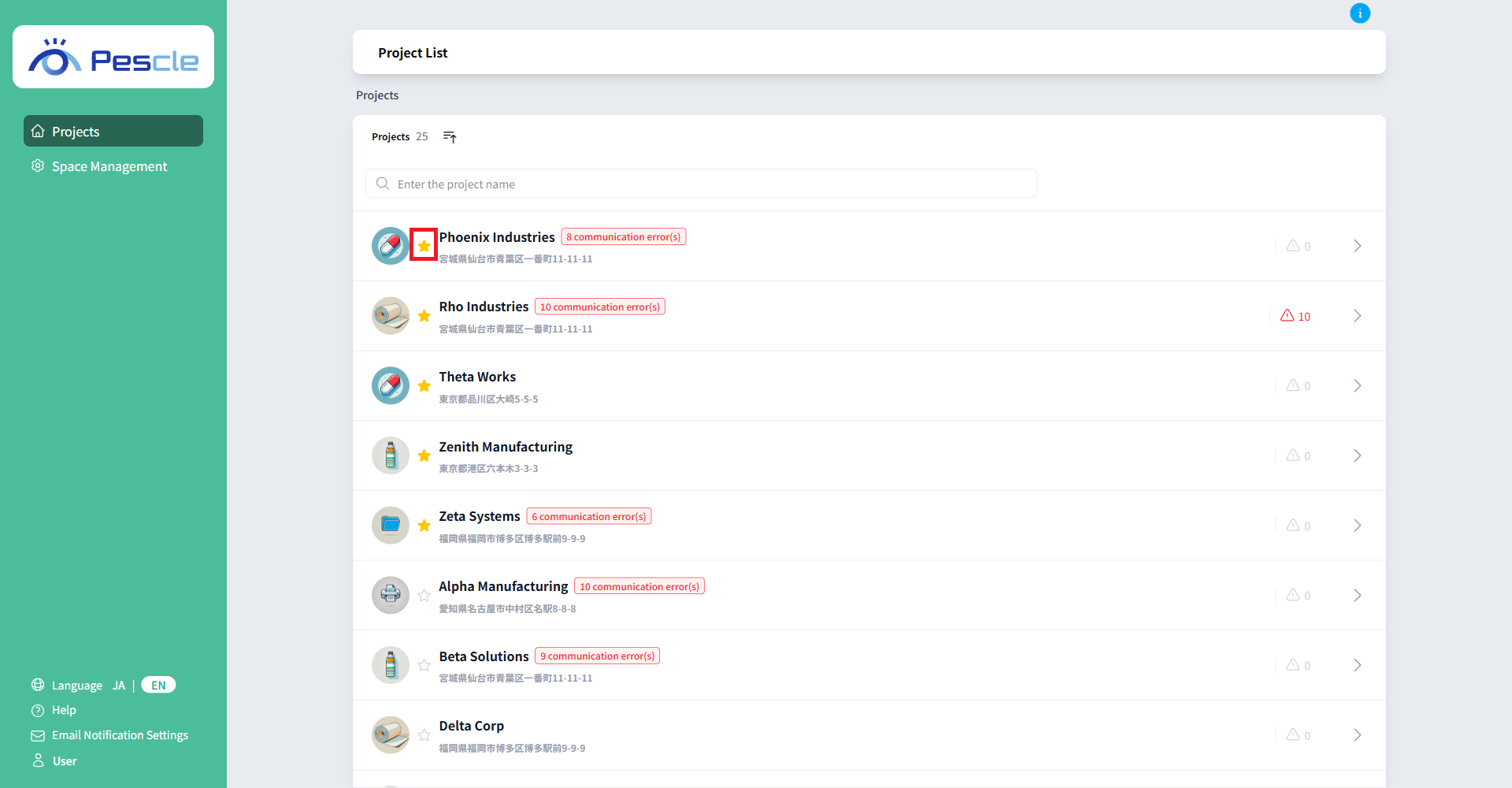
favorite
You can add or remove a project from your favorites by clicking the star icon to the left of the project name.
Tip
Projects you’ve added to your favorites will appear at the top of the list.
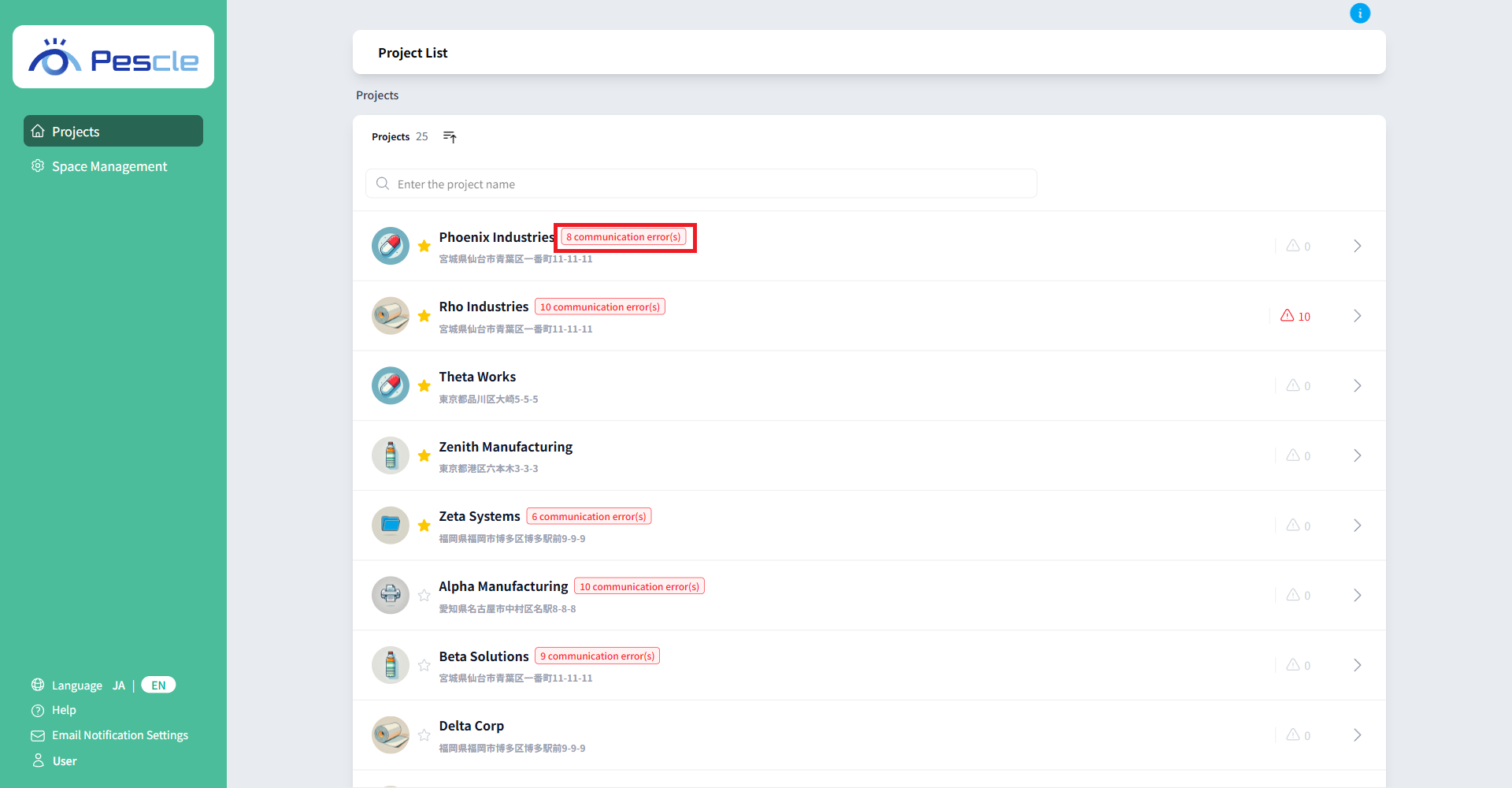
Communication error
If a camera has not communicated for 24 hours or more, the number of errors is displayed as a red badge to the right of the project name.
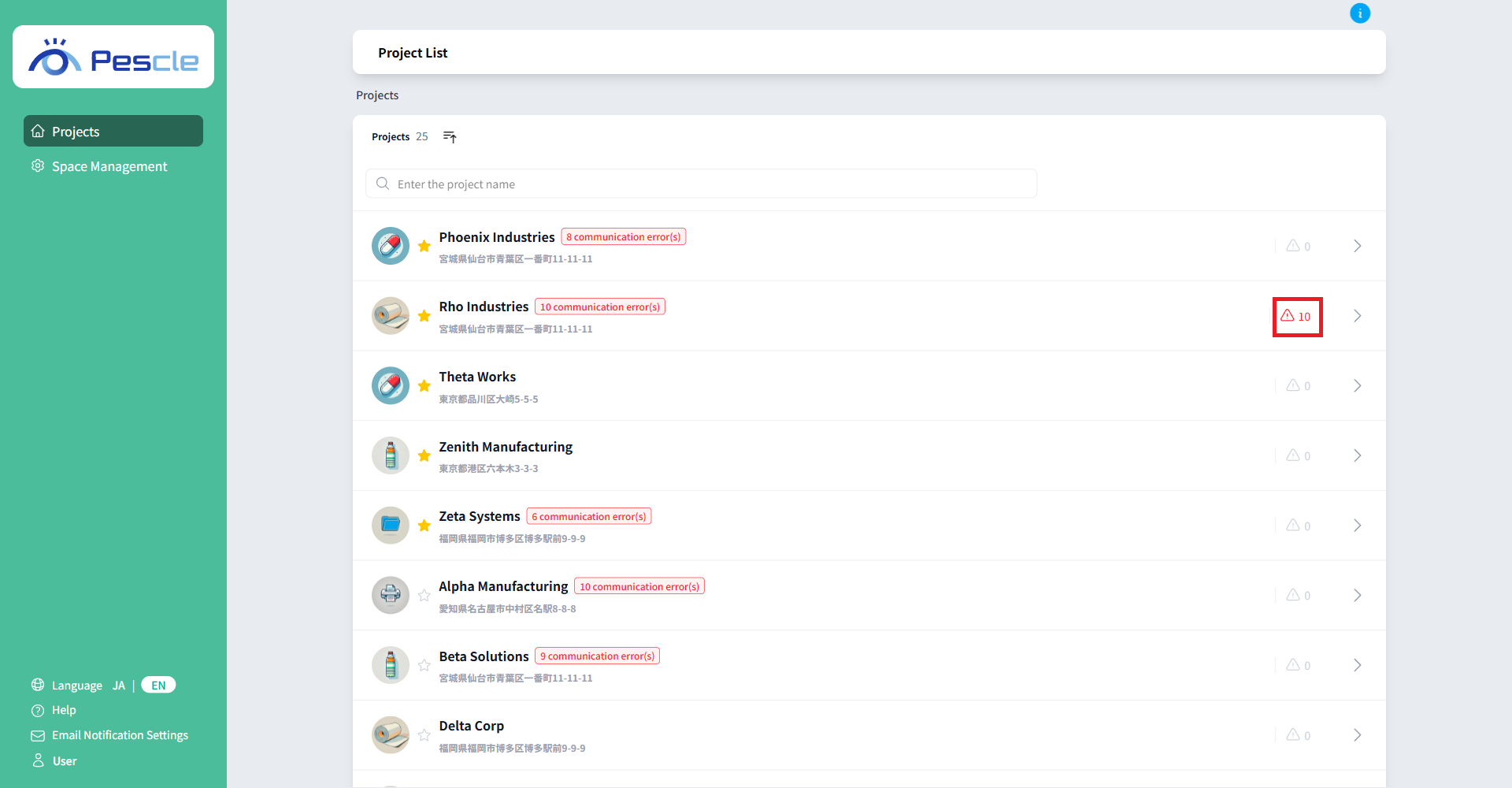
Number of differences detected
The number of differences detected in the project is displayed next to the triangular icon. If differences are detected, they will be displayed in red.
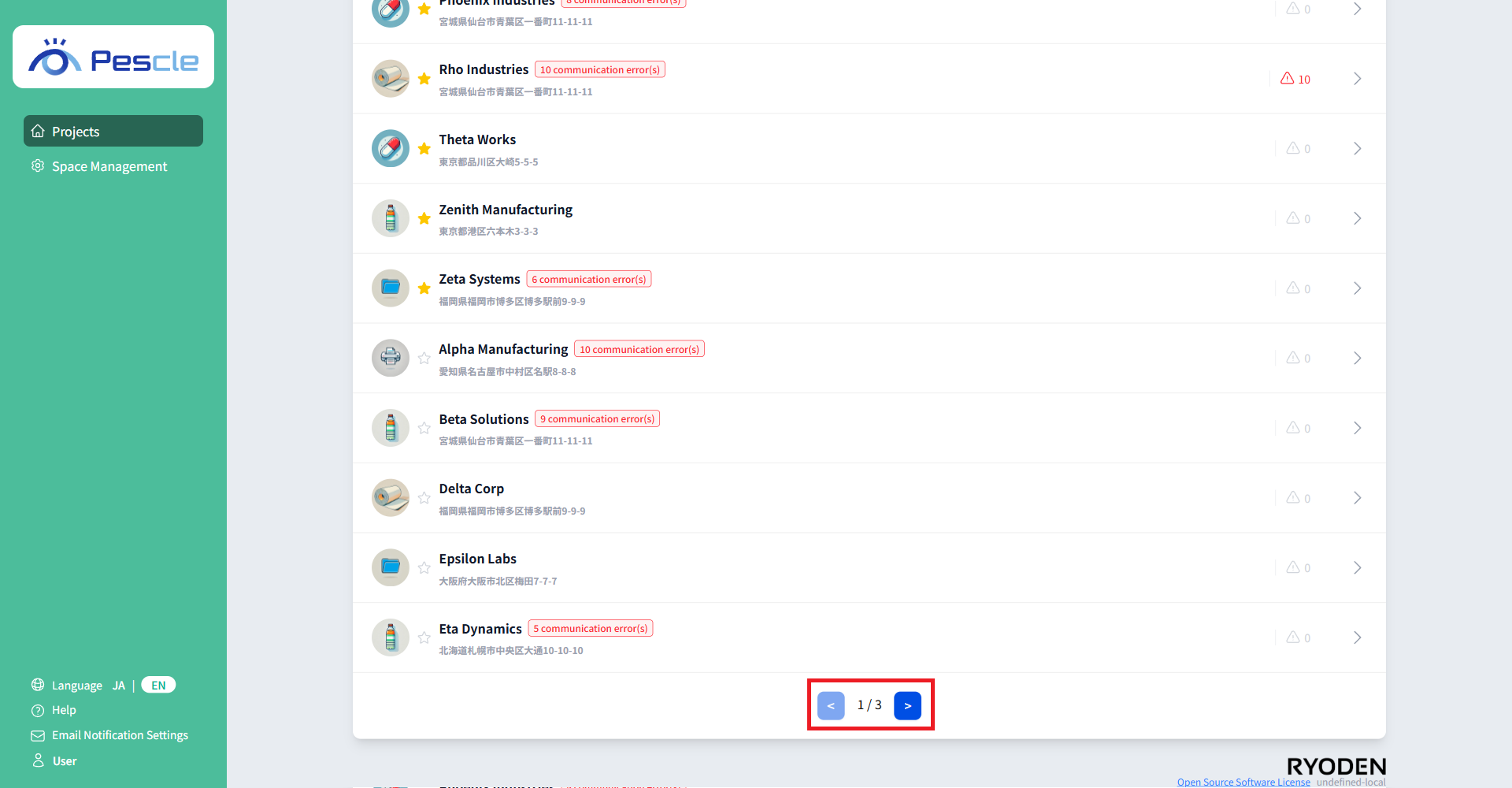
Previous, next page
When the number of projects exceeds 10, you can switch pages using the “Previous” and “Next” buttons displayed at the bottom of the list.
Go to project home
Clicking on each project row will take you to the project home screen.