How to Delete Camera Images
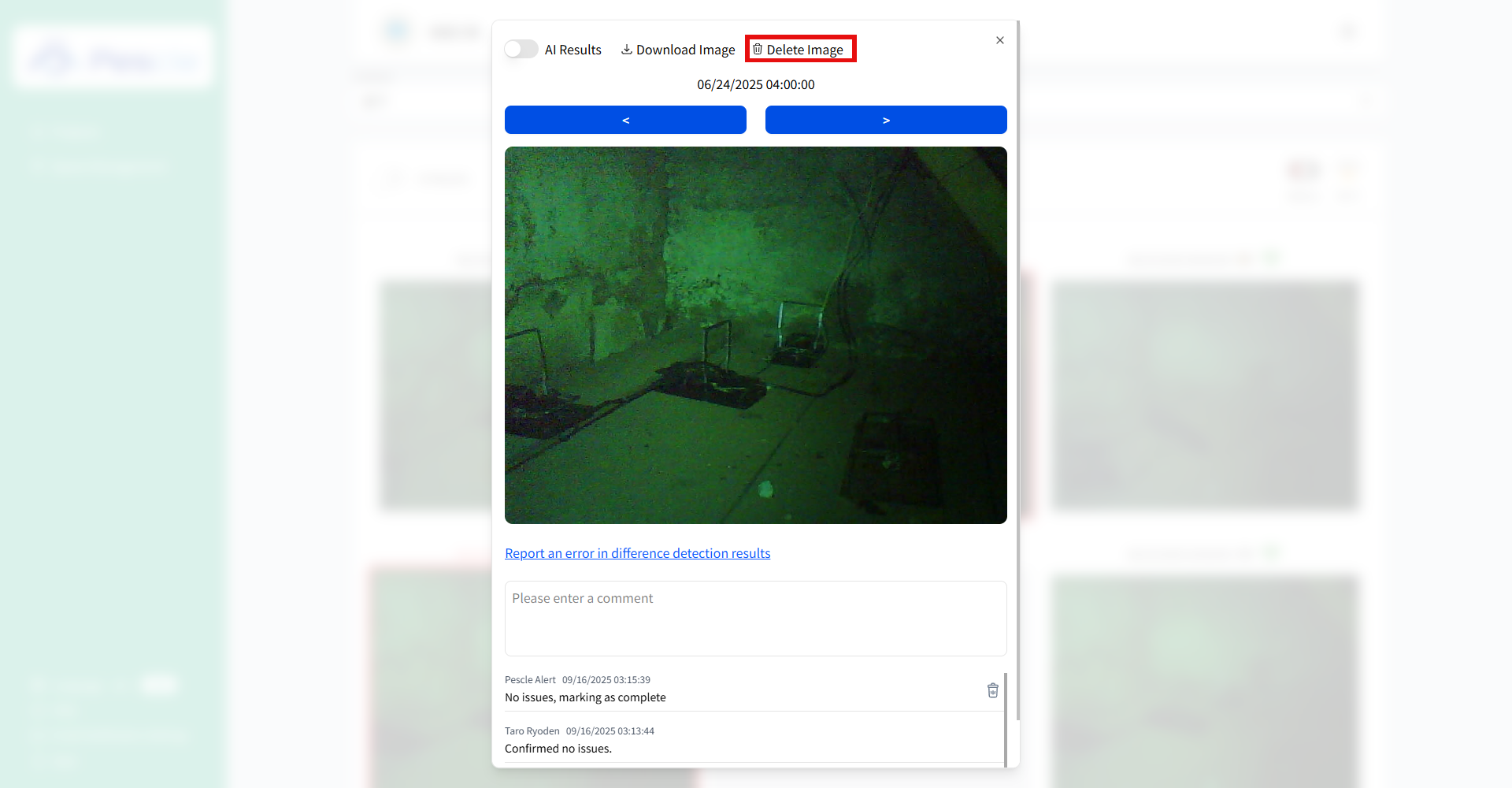
Display the image you want to delete in the camera image detail view.
Click the trash icon.
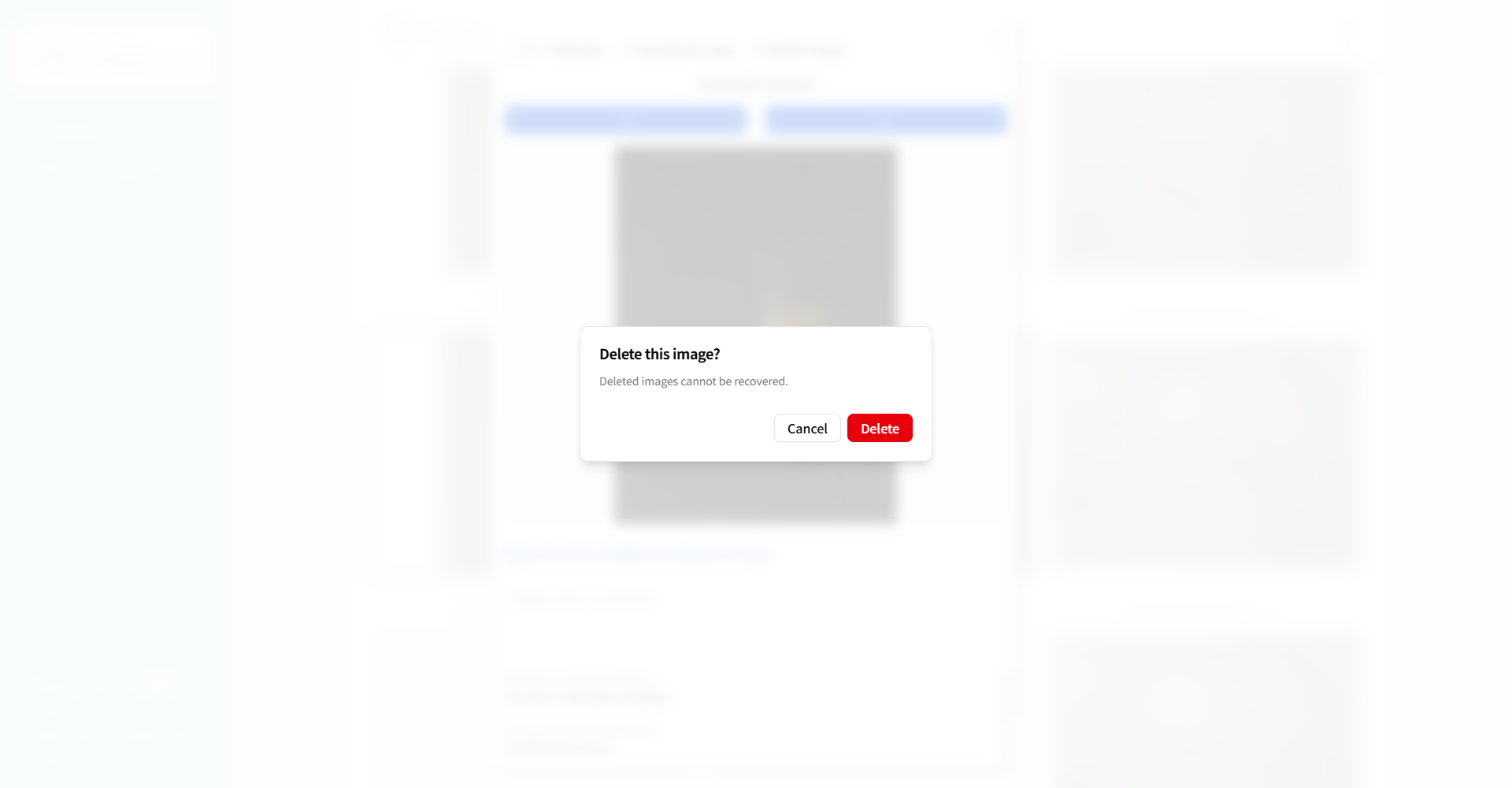
Delete with the Delete Button
Click the “Delete” button to delete the camera image.
Tip
After deleting an image, you will be redirected to the Camera Image List page.
Deleted images are displayed with a trash icon and a “Deleted” label.